Debossed-logo-mockup-white-card

Description
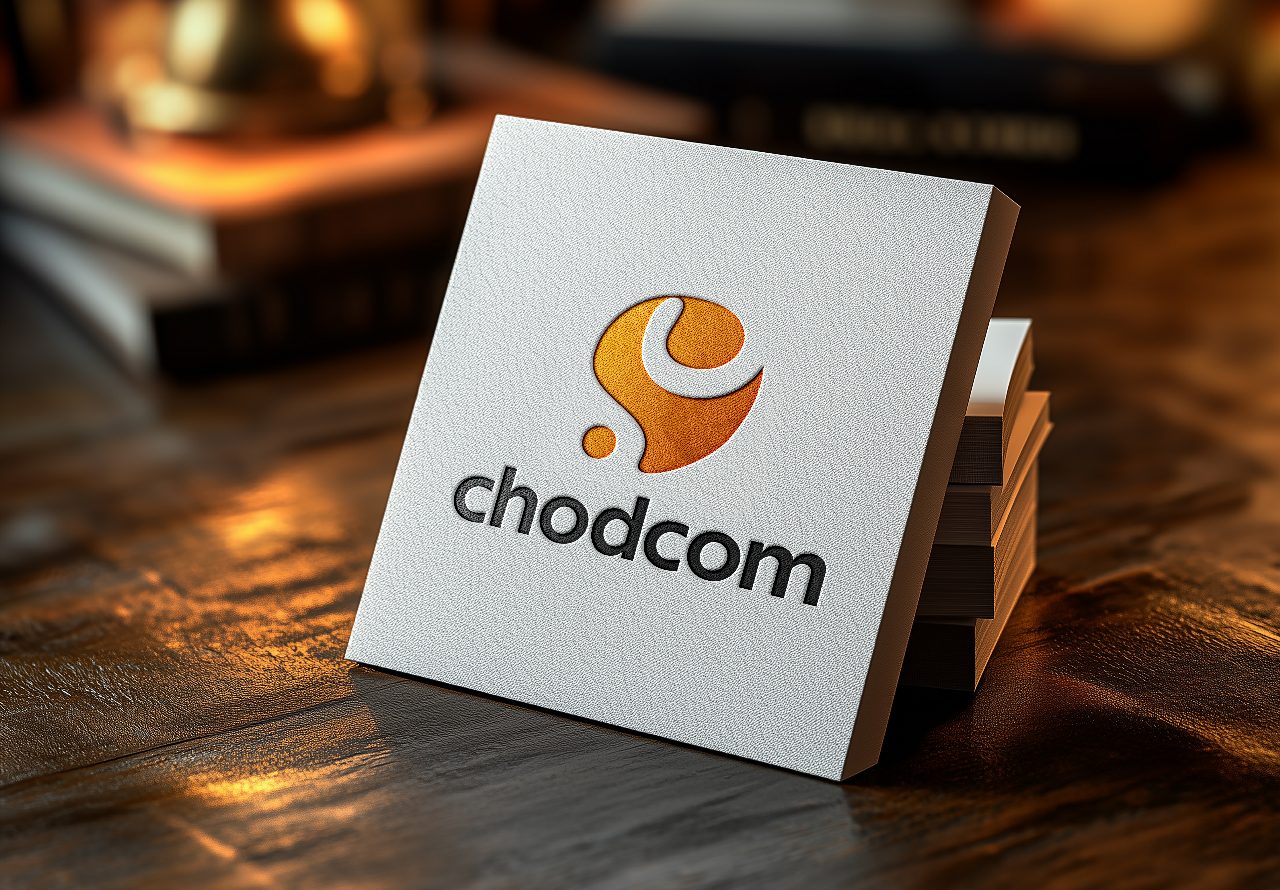
Debossed Logo Mockup White Card is a premium branding presentation mockup designed to showcase logos with a realistic debossed effect on a textured white business card. Featuring elegant lighting, natural shadows, and a sophisticated card stack arrangement, this mockup creates a professional and high-end visual presentation for brand identity projects. Ideal for designers, agencies, and businesses looking to display their logos in a clean, realistic, and impactful way, it offers an excellent solution for portfolio showcases, client presentations, and marketing materials.
How to Use This Mockup
1. Open the PSD file in Adobe Photoshop.
2. Locate the Smart Object layer in the Layers panel often named (Change logo)
3. Double-click the Smart Object thumbnail to open it.
4. Place your logo design inside the Smart Object document.
5. Adjust the size and position of your logo if needed.
6. Save the Smart Object document (Ctrl+S / Cmd+S).
7. Return to the main mockup file and watch your logo automatically appear with all effects applied.
8. Export your final presentation as JPG, PNG, or PDF for client delivery or portfolio use.
Suggestions