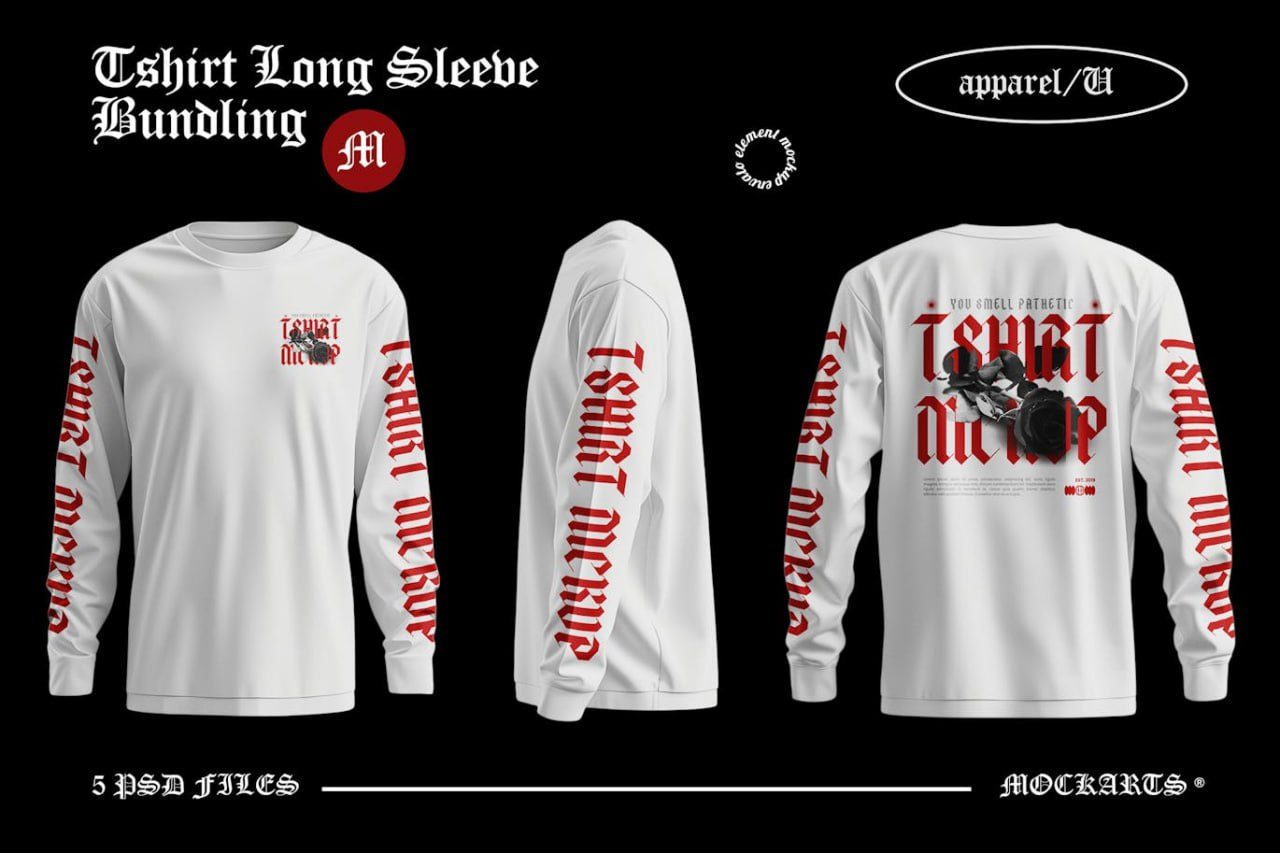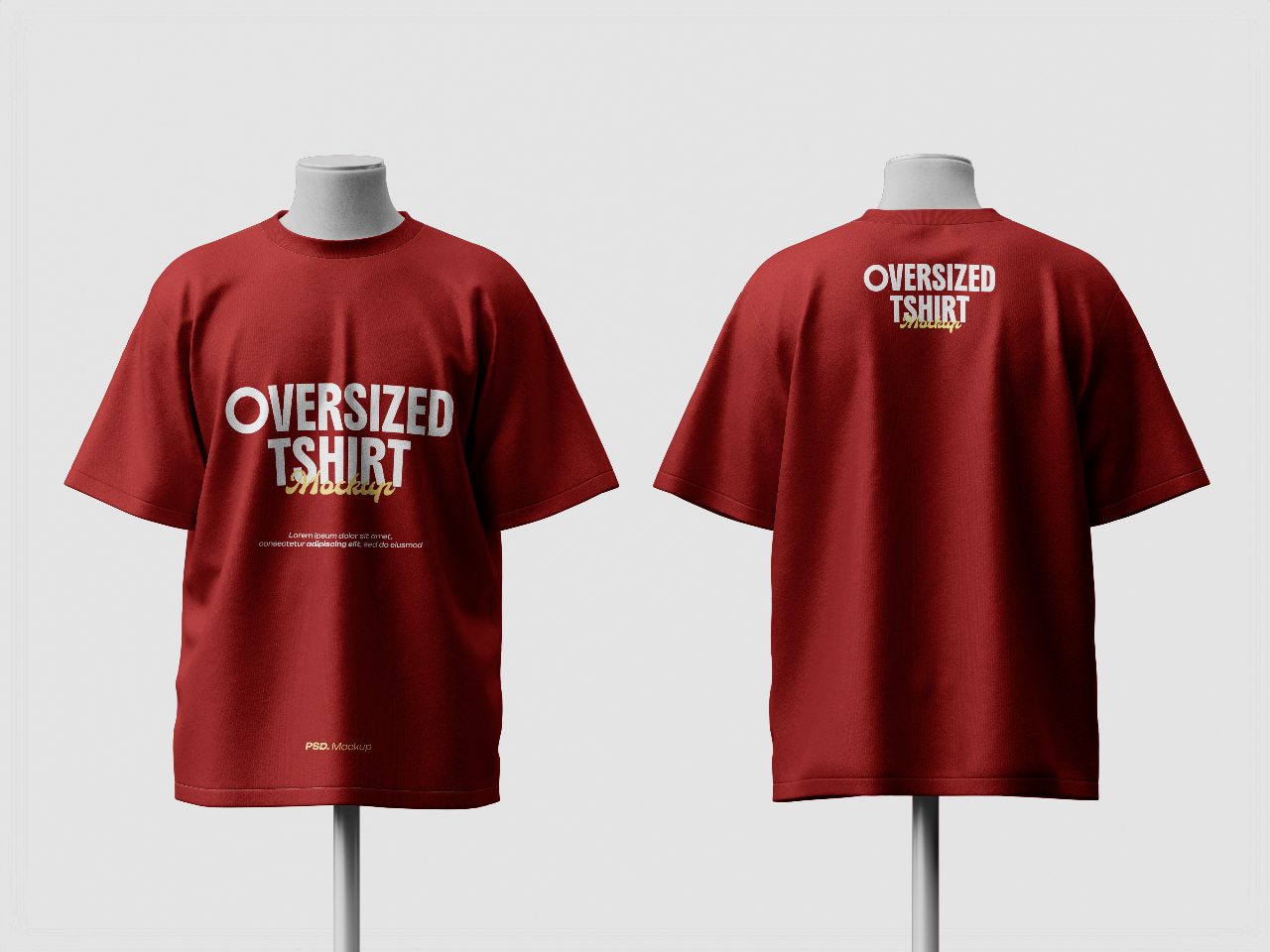
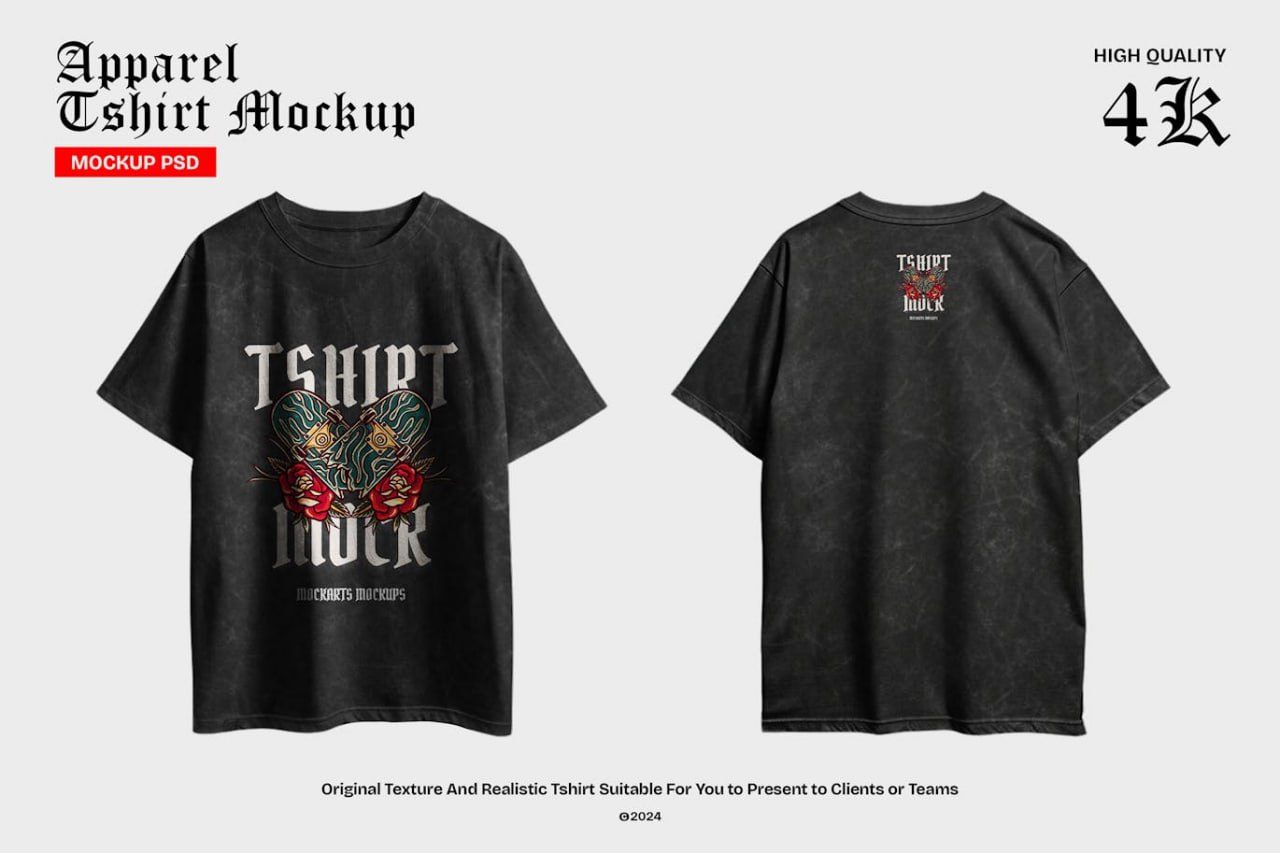
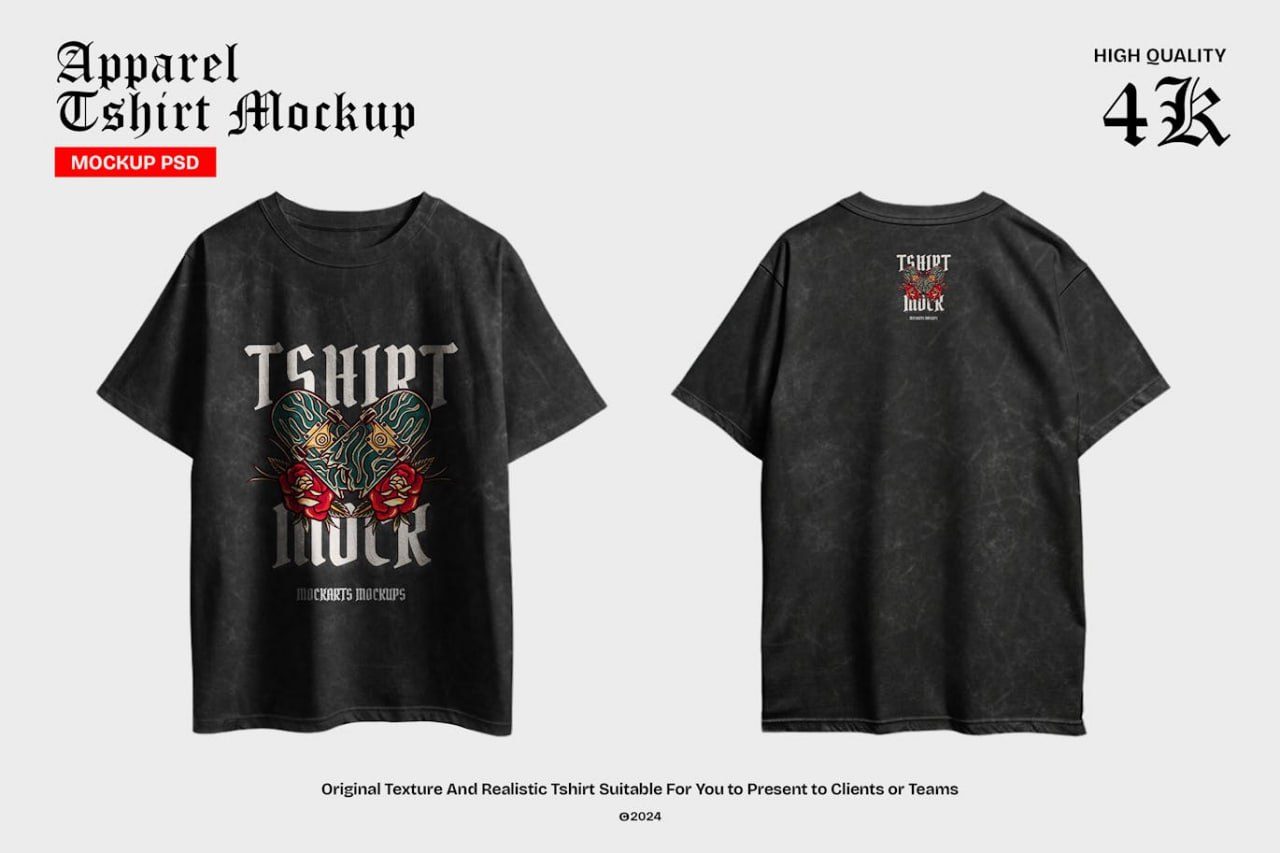
Black oversize-tshirt-mockup
Description
OVERSIZED-T-SHIRT-MOCKUP
OVERSIZED-T-SHIRT-MOCKUP is a premium Adobe Photoshop PSD mockup designed to showcase apparel graphics, streetwear designs, brand merchandise, and custom artwork in a realistic and professional presentation. Featuring both front and back views of an oversized t-shirt, this mockup provides a complete visual display for clothing brands, fashion designers, print-on-demand products, and promotional merchandise. With detailed fabric textures, realistic folds, natural shadows, and high-resolution rendering, it helps bring your designs to life while maintaining a clean and modern aesthetic. The included Smart Object layers make customization quick and effortless, allowing you to present your artwork with stunning realism and professional quality.
How to Use This Mockup
1. Open the PSD file in Adobe Photoshop.
2. Locate the Smart Object layers for the front and back t-shirt designs.
3. Double-click the desired Smart Object thumbnail.
4. Insert your artwork, logo, or graphic design into the Smart Object document.
5. Adjust the size and placement to fit the print area.
6. Save the Smart Object document (Ctrl+S / Cmd+S).
7. Return to the main mockup file to see your design automatically applied to the t-shirt.
Suggestions