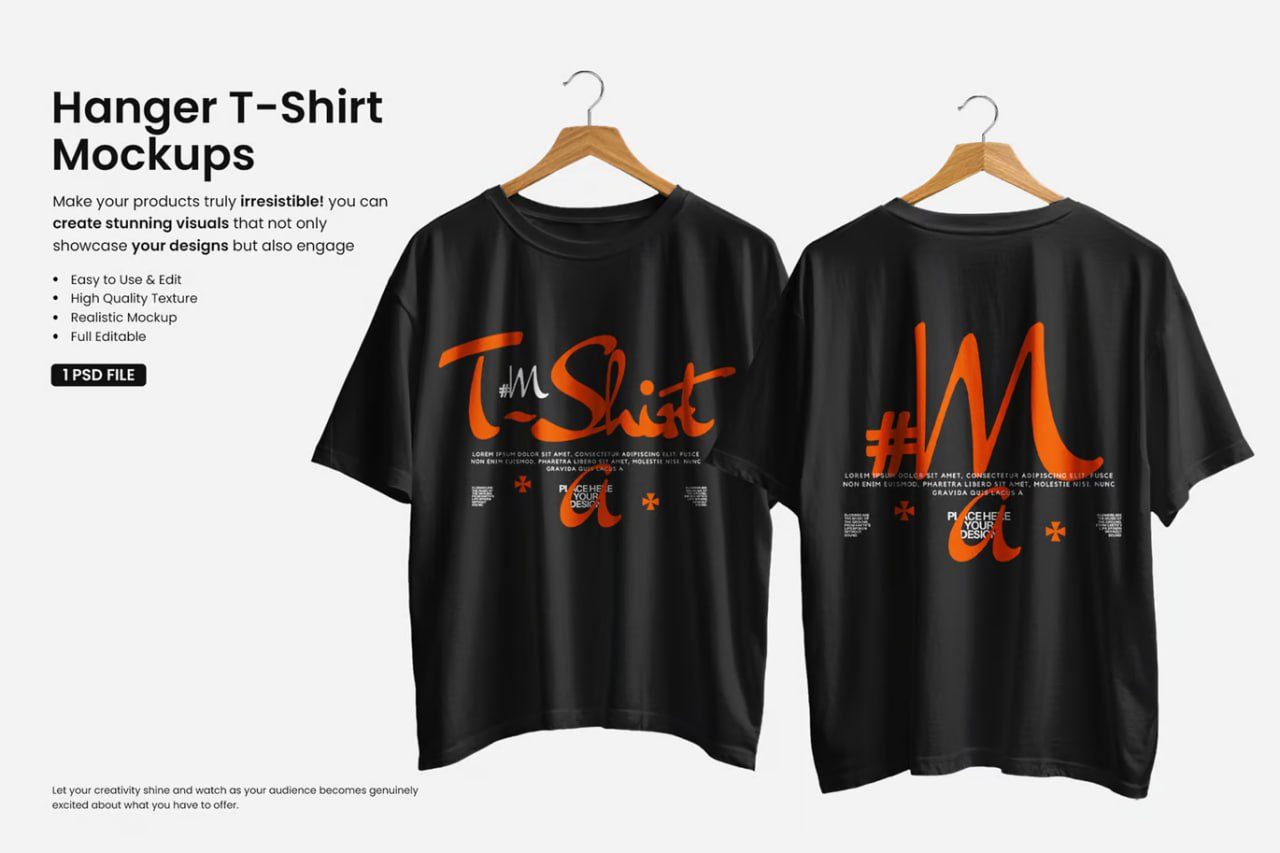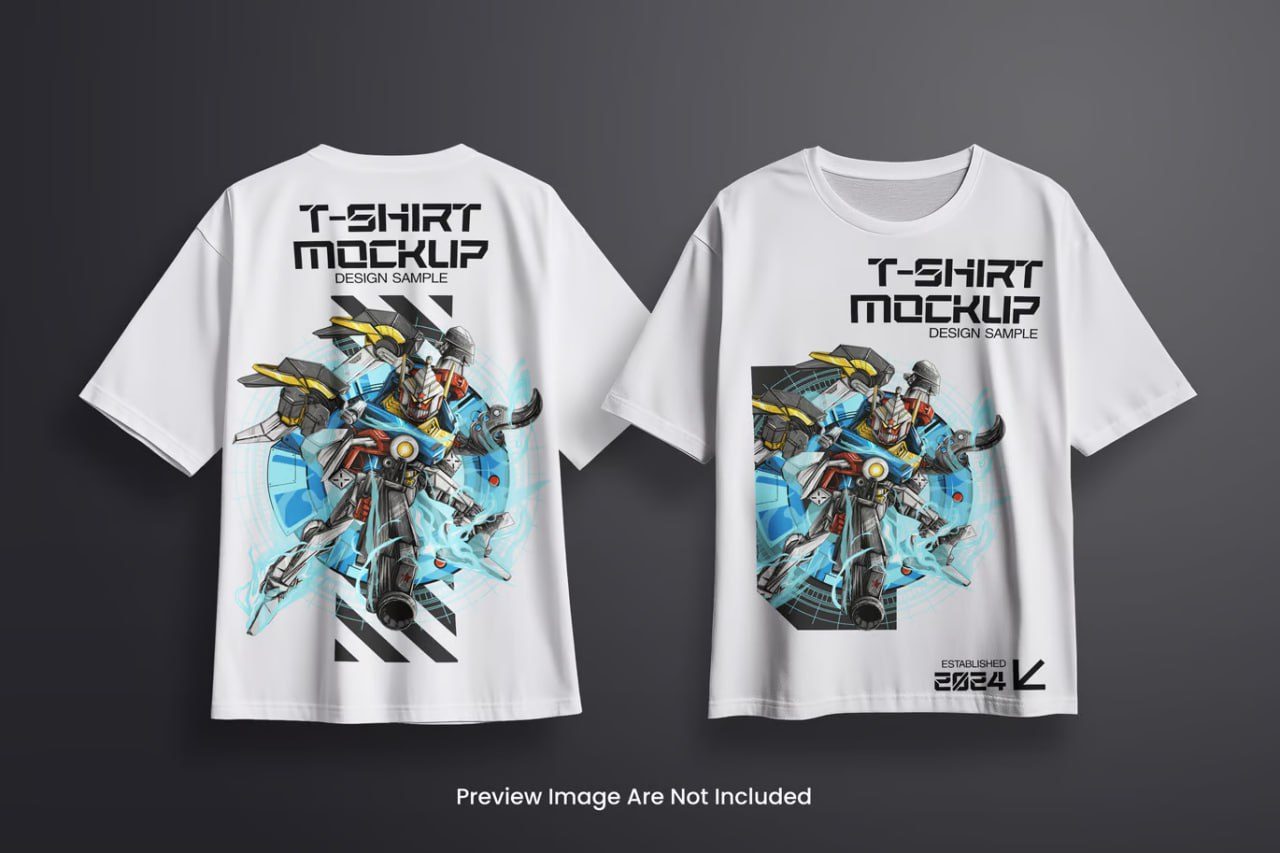
Vintage oversized-tshirt-mockup
Description
VINTAGE-OVERSIZED-TSHIRT-MOCKUP
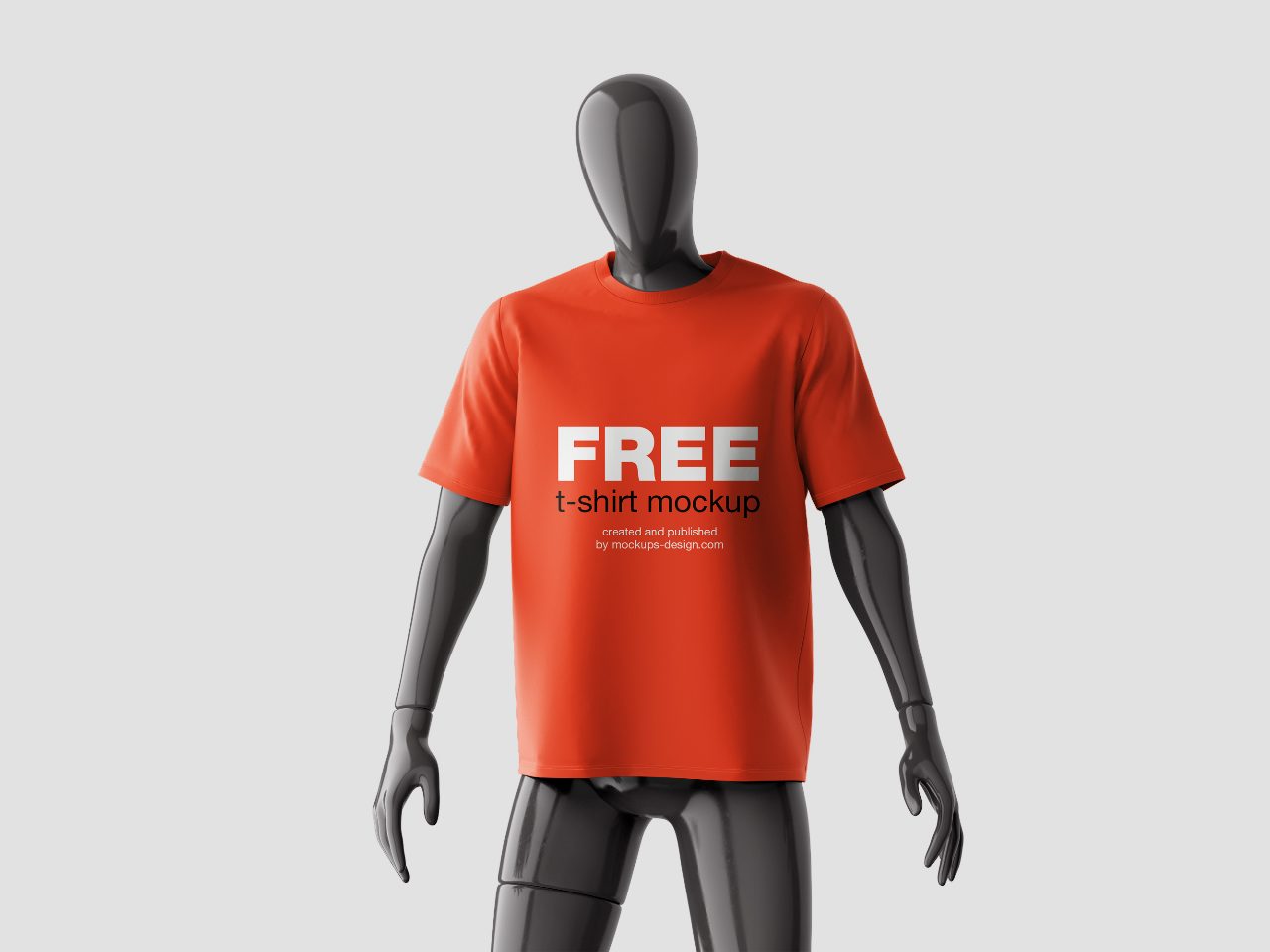
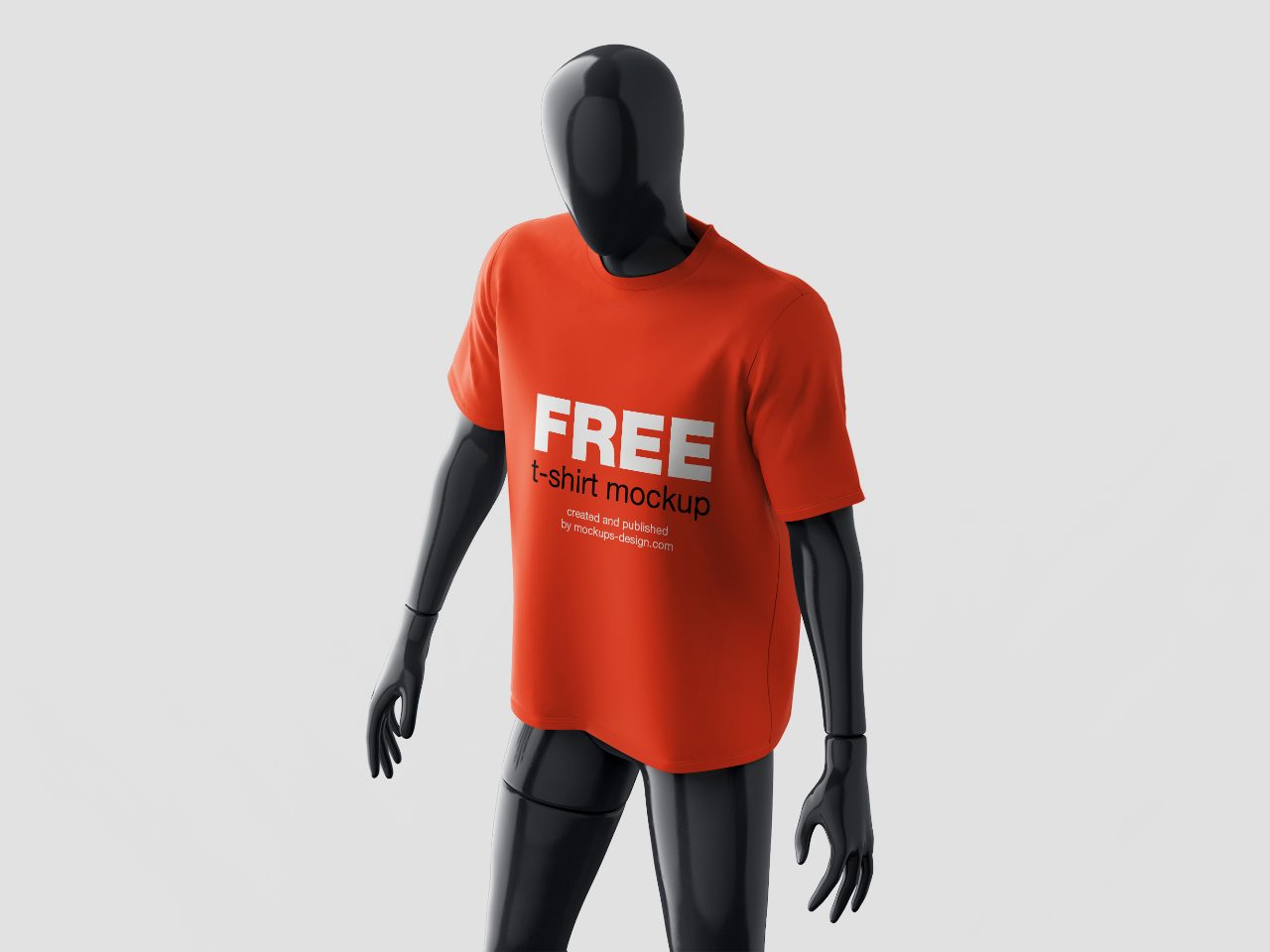
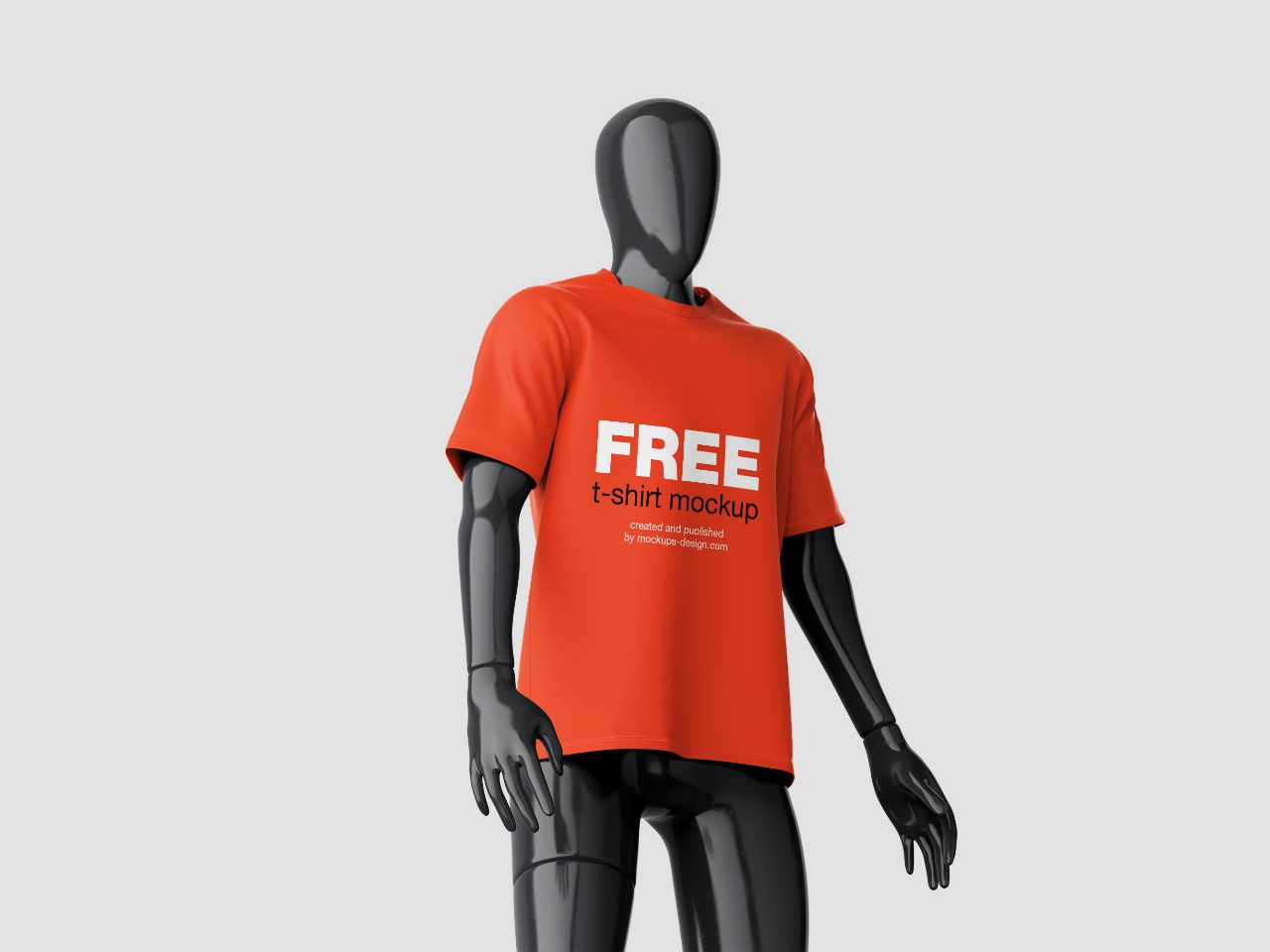
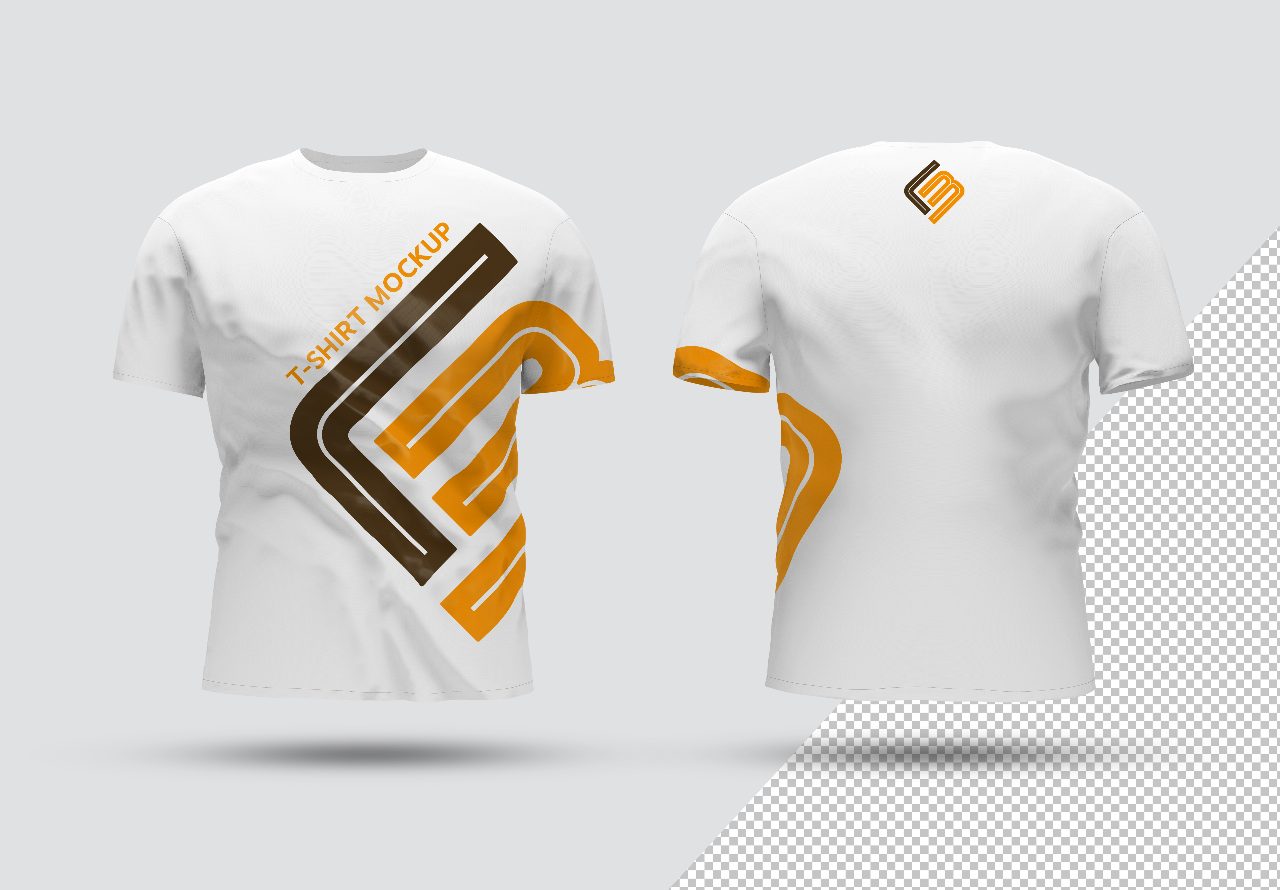
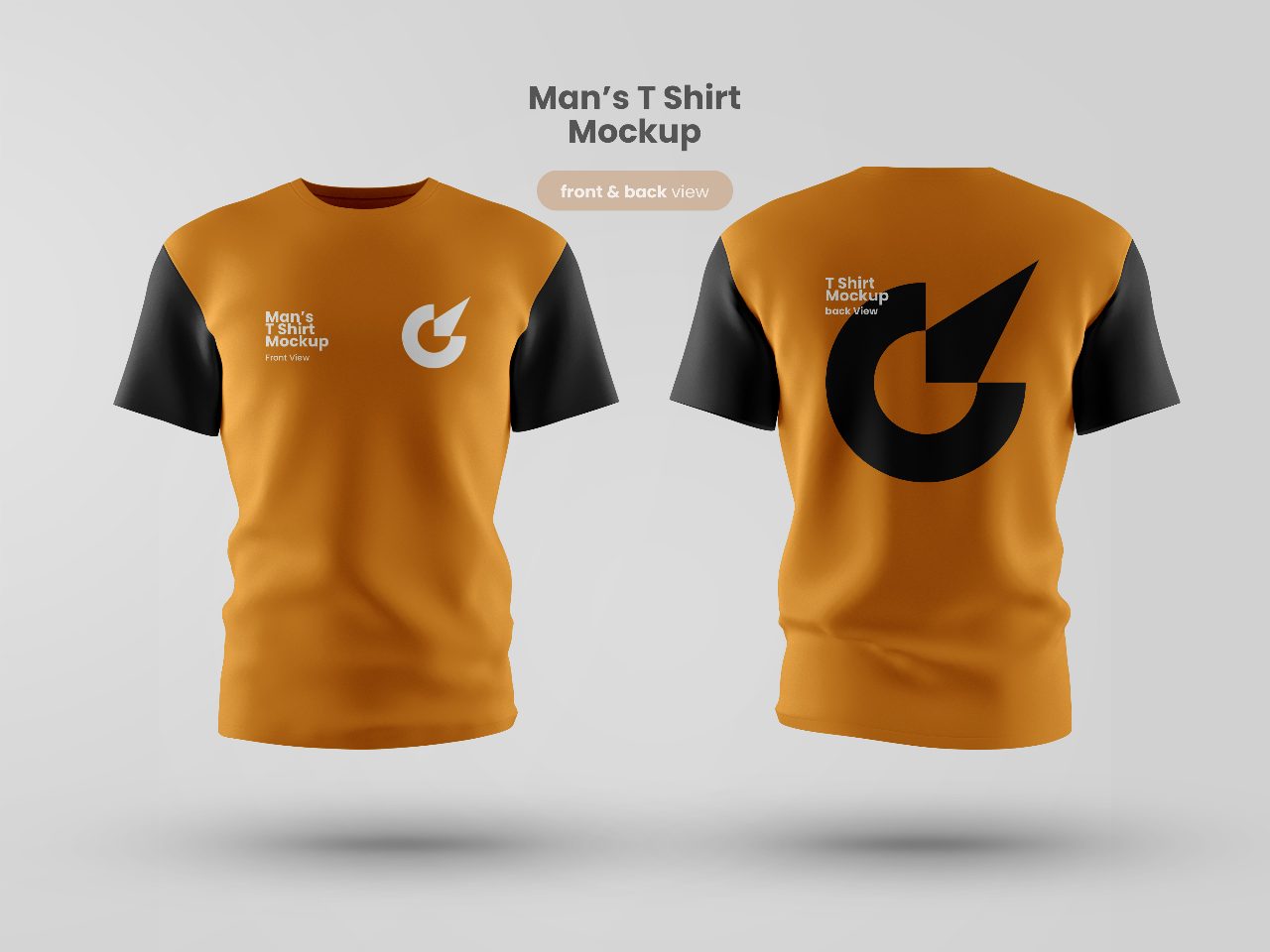
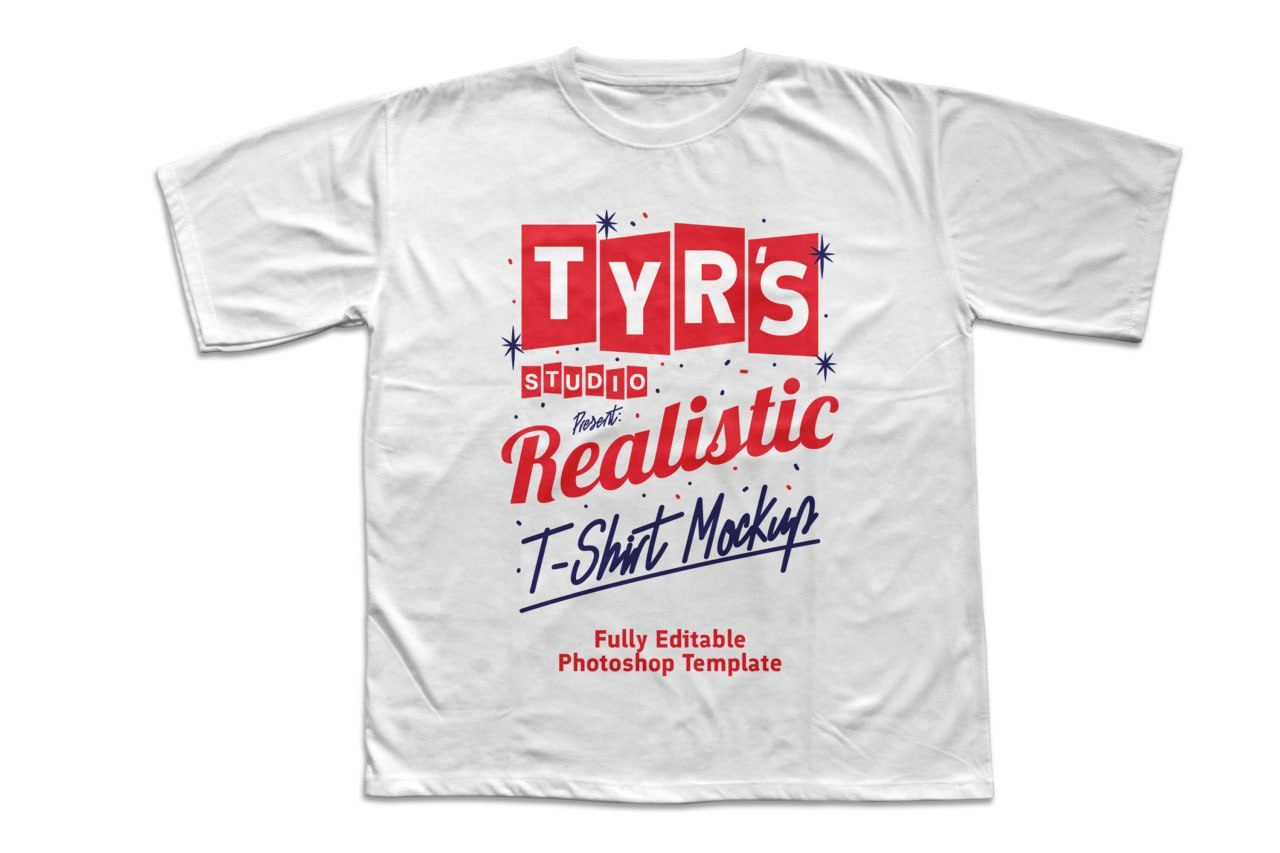
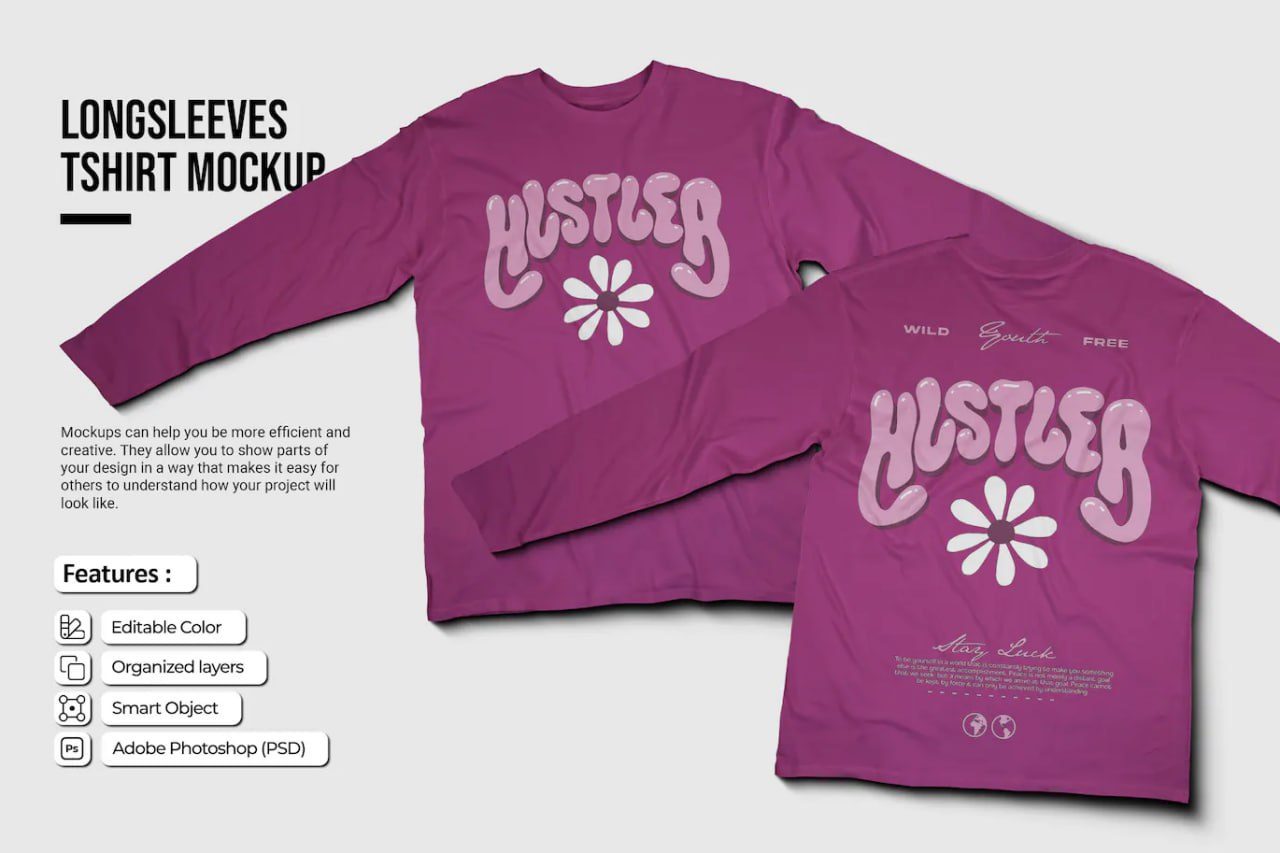
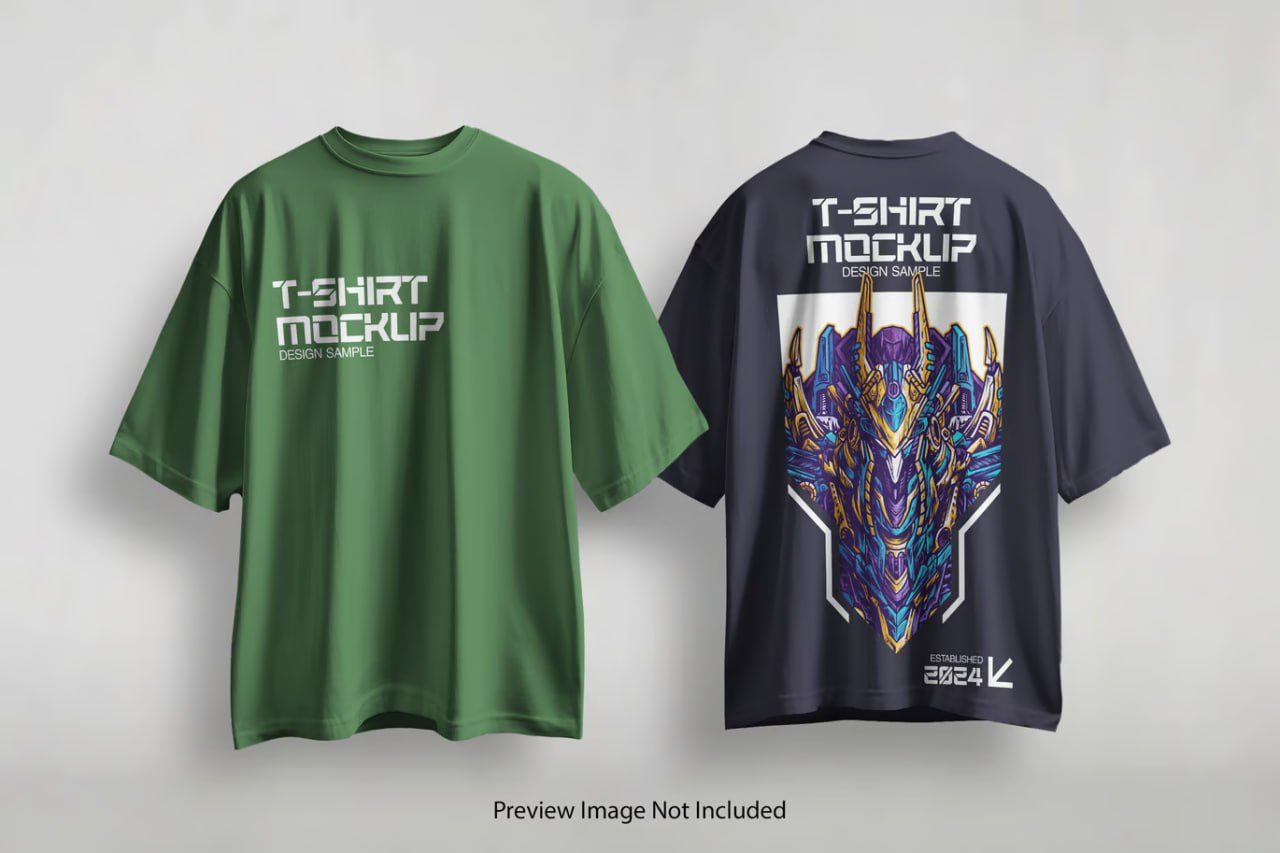
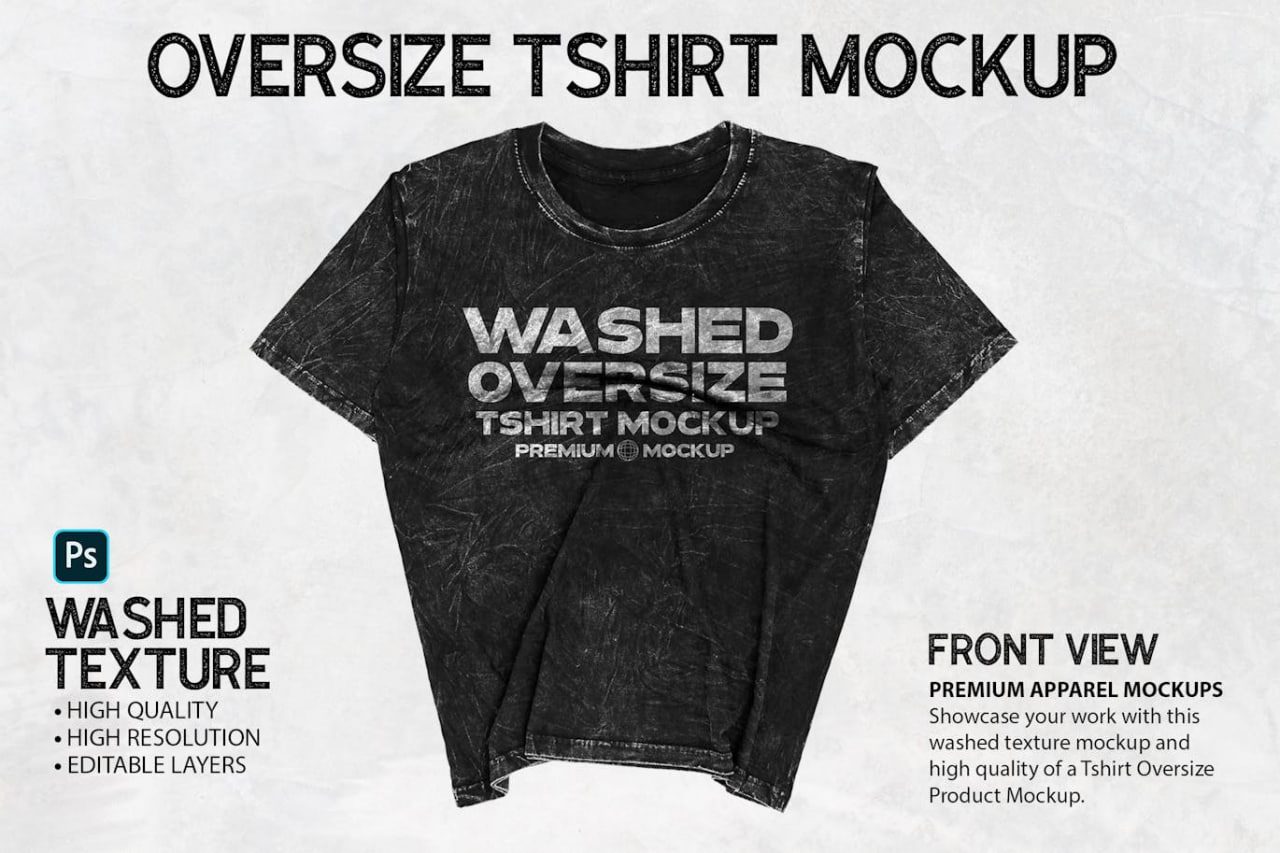
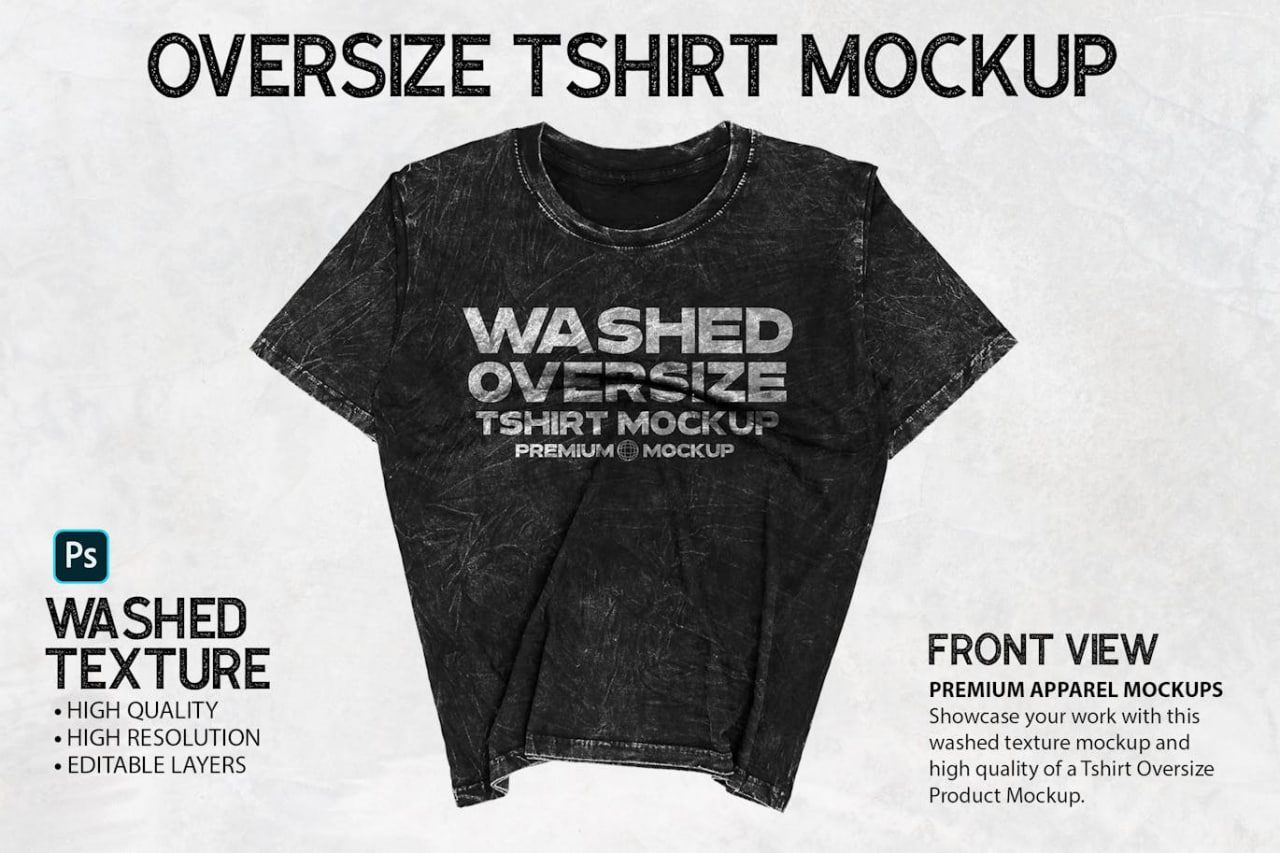
VINTAGE-OVERSIZED-TSHIRT-MOCKUP is a premium Adobe Photoshop PSD mockup crafted to showcase vintage apparel designs, streetwear collections, graphic prints, and fashion branding with authentic washed fabric textures and realistic garment details. Featuring a modern oversized t-shirt silhouette with a distressed vintage finish, this mockup provides a stylish and professional presentation for clothing brands, print-on-demand products, merchandise collections, and custom apparel projects. The high-resolution design highlights natural folds, fabric wear, realistic shadows, and premium textile details, helping designers create eye-catching product previews with a genuine vintage aesthetic. Powered by Smart Object technology, customization is fast and effortless, making it ideal for e-commerce stores, client presentations, portfolios, and marketing campaigns.
How to Use This Mockup
1. Open the PSD file in Adobe Photoshop.
2. Locate the Smart Object layer in the Layers panel.
3. Double-click the Smart Object thumbnail.
4. Insert your logo, artwork, typography, or apparel design.
5. Adjust the size and placement of your design as needed.
6. Save the Smart Object document (Ctrl+S / Cmd+S).
7. Return to the main mockup file to see your design automatically applied to the t-shirt.
8. Export the finished presentation as JPG, PNG, or PDF for online stores, branding presentations, social media, or client delivery.
Suggestions