Pink longsleeves-tshirt-mockup
Description
PINK-LONGSLEEVES-TSHIRT-MOCKUP
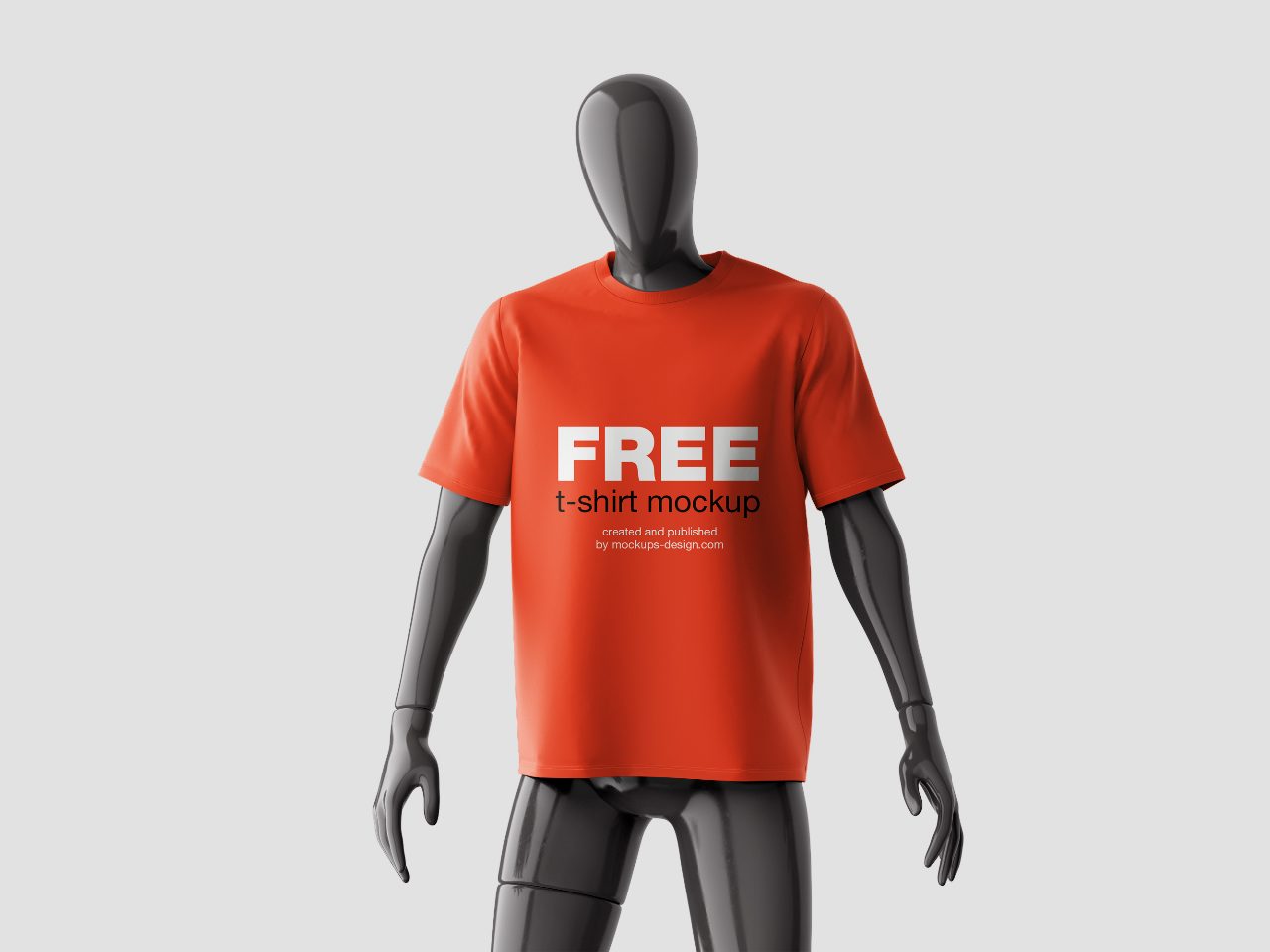
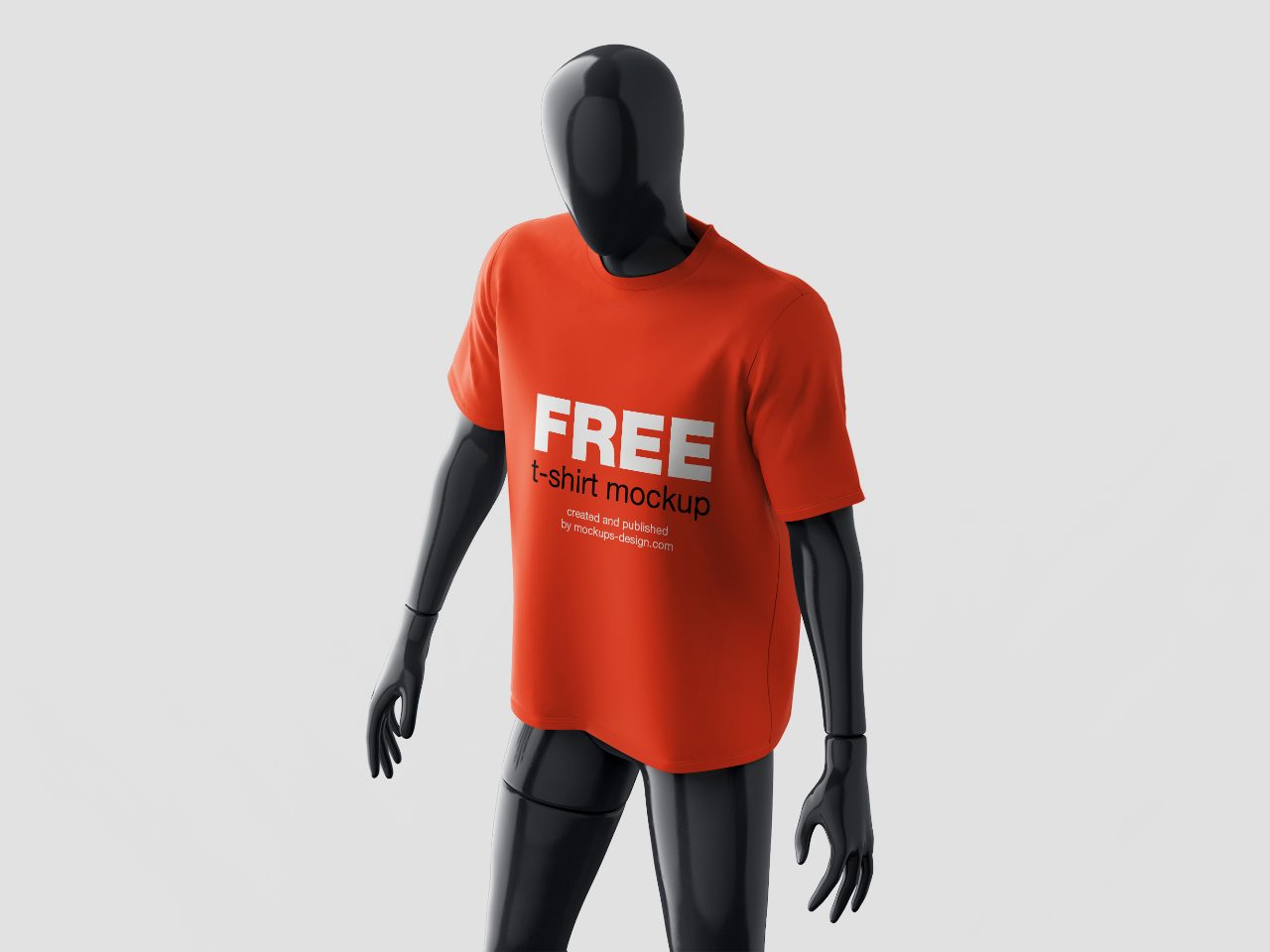
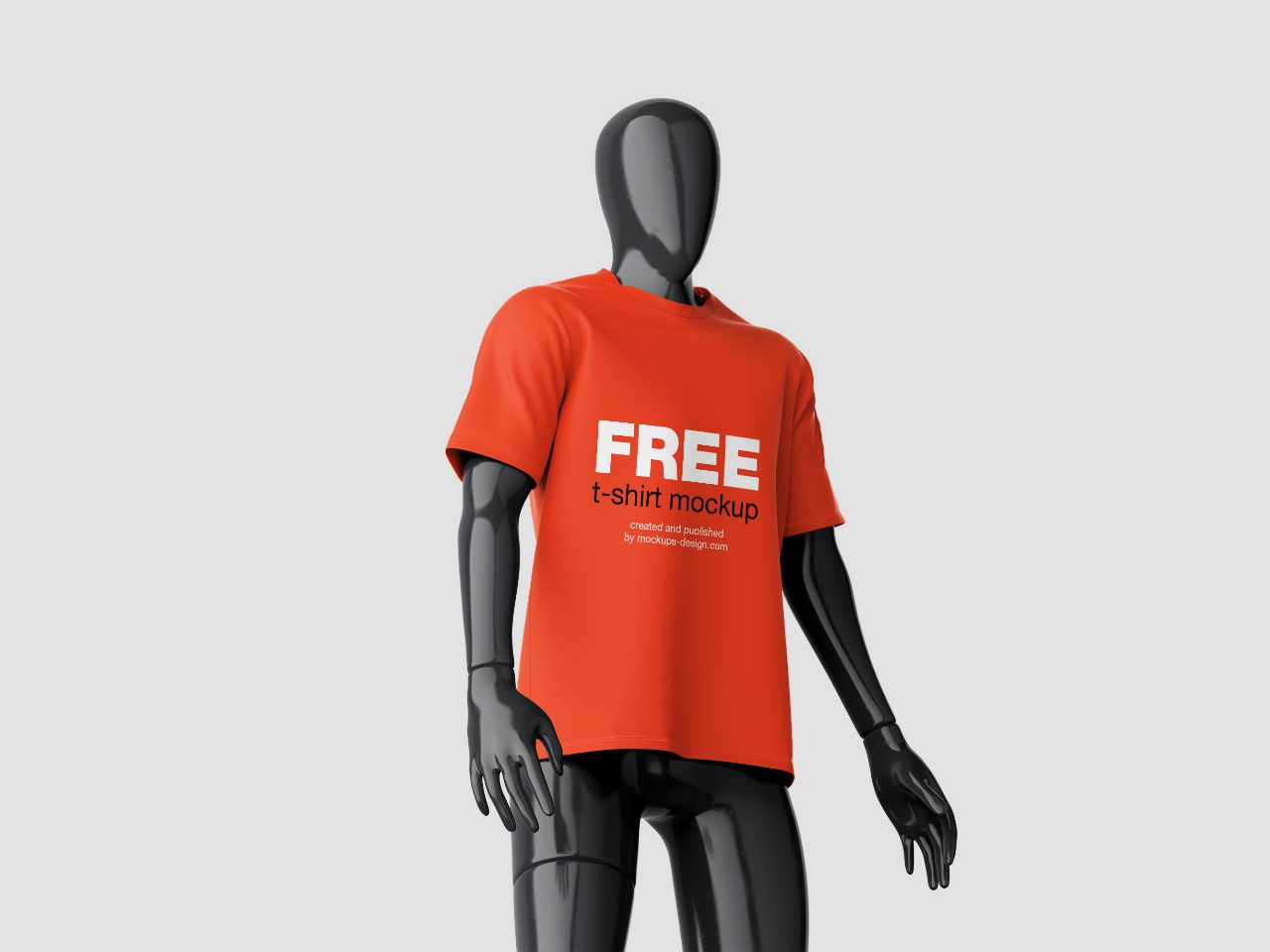
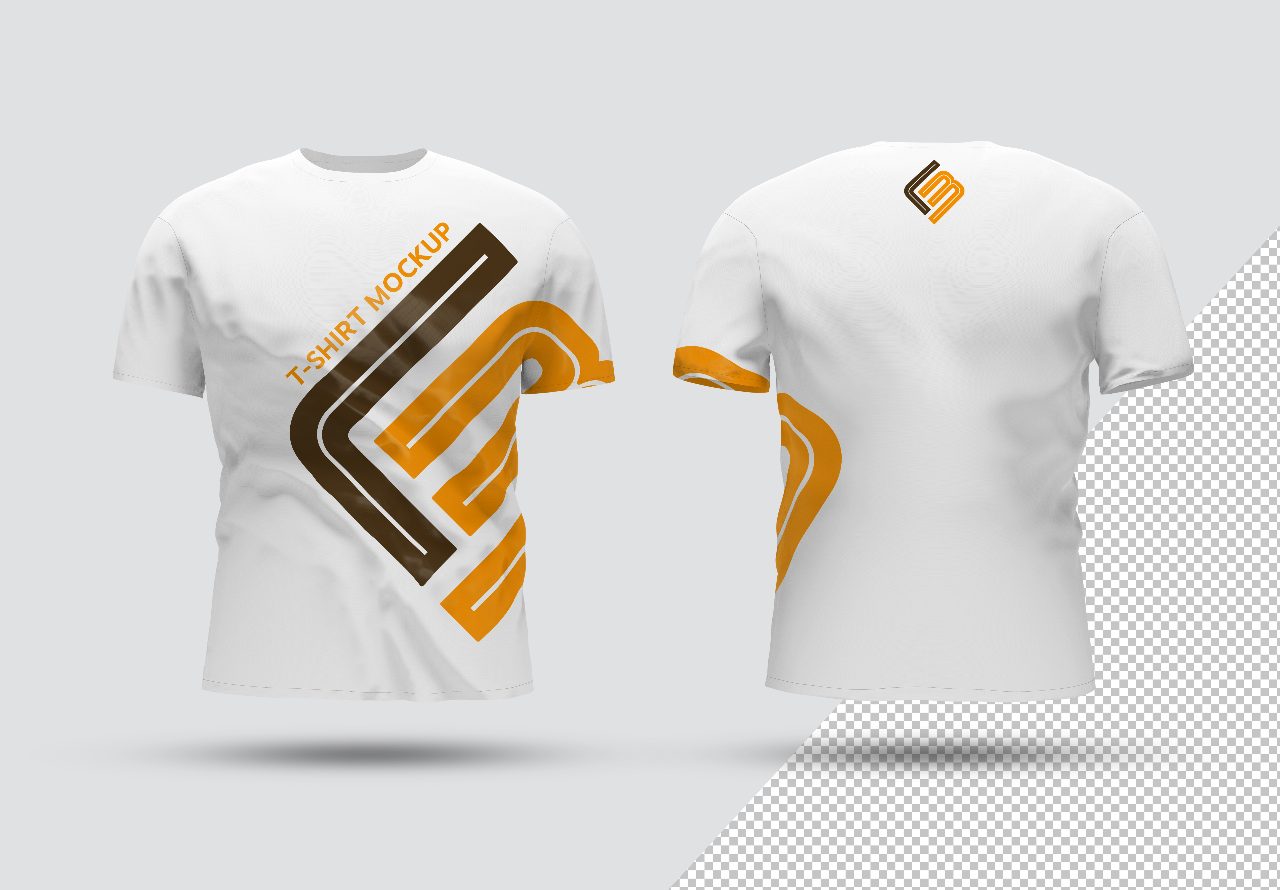
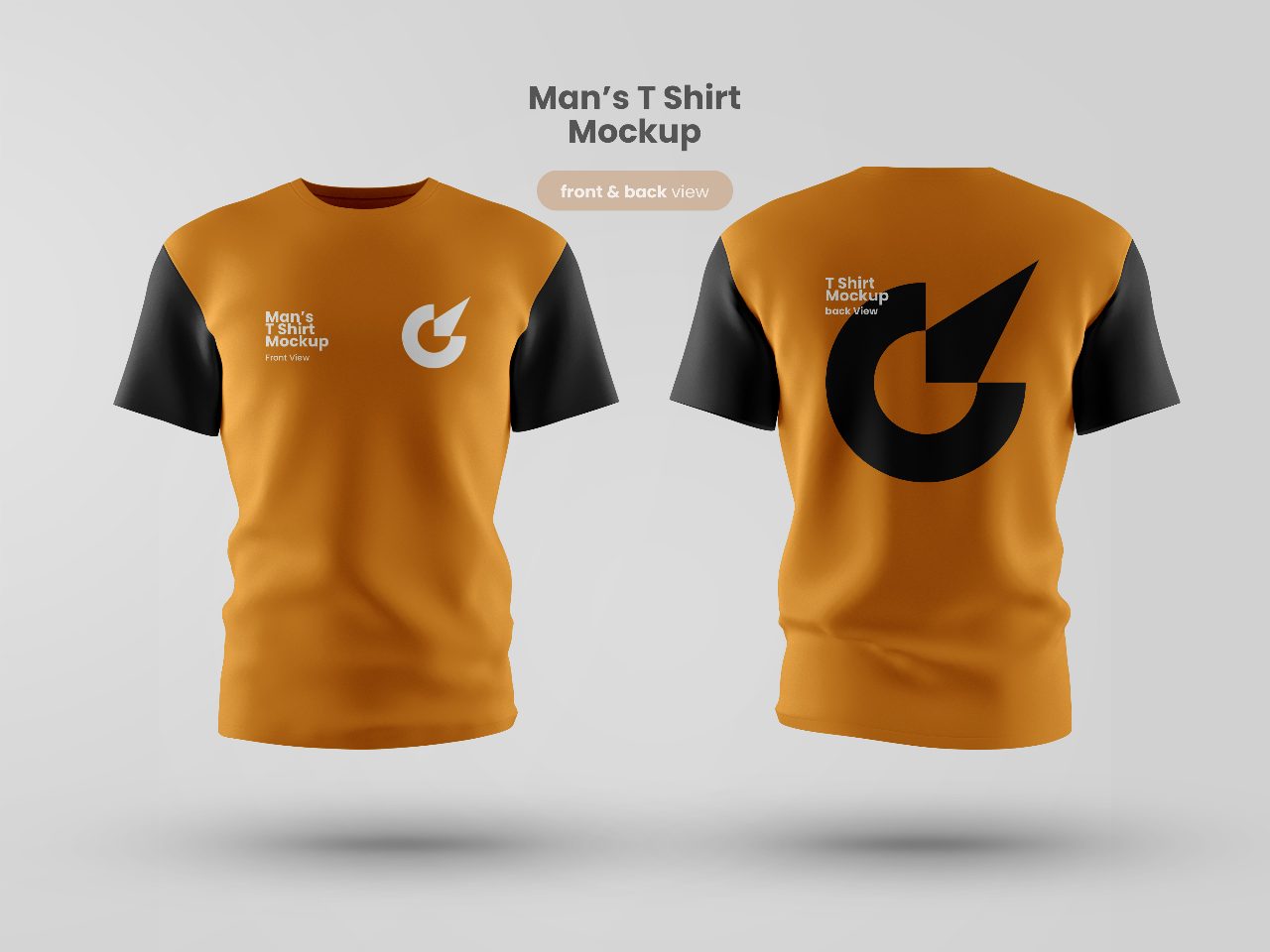
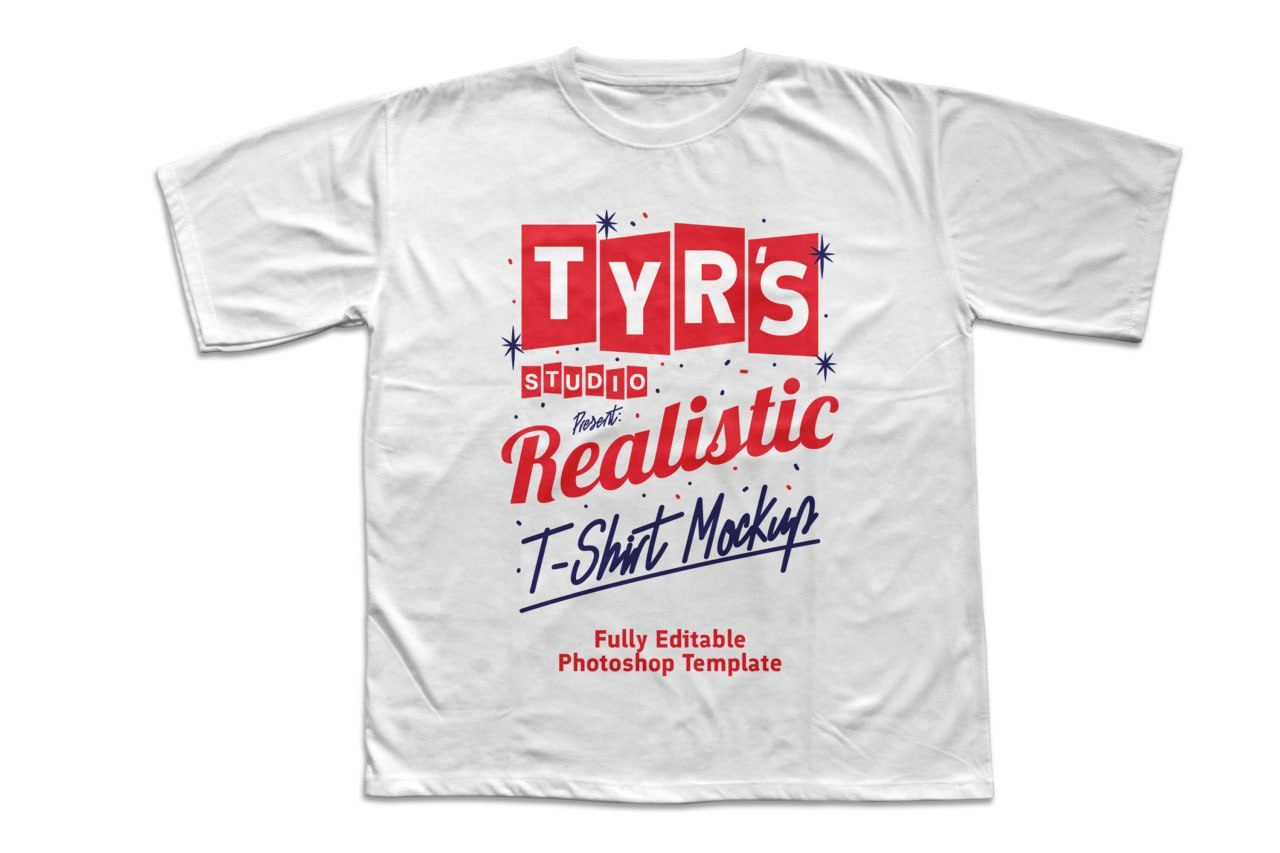
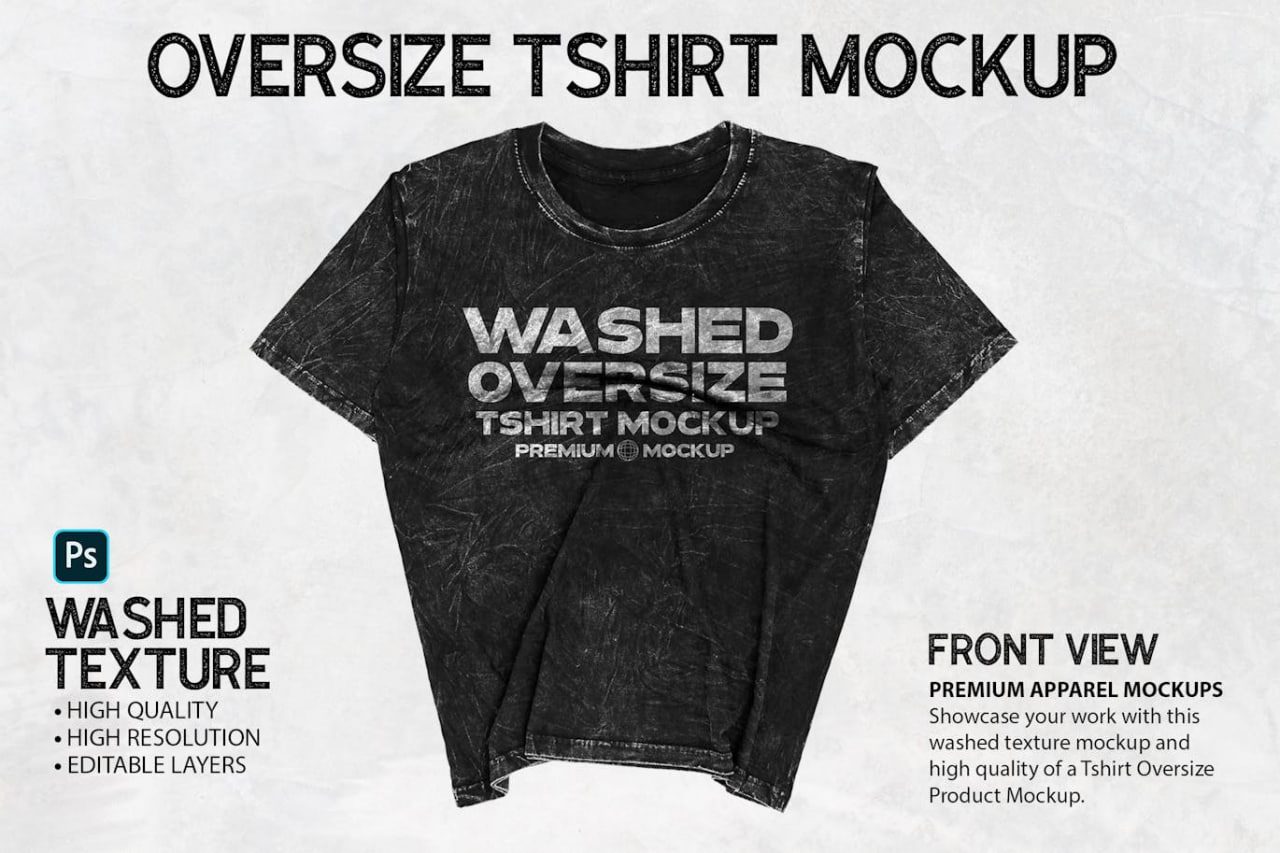
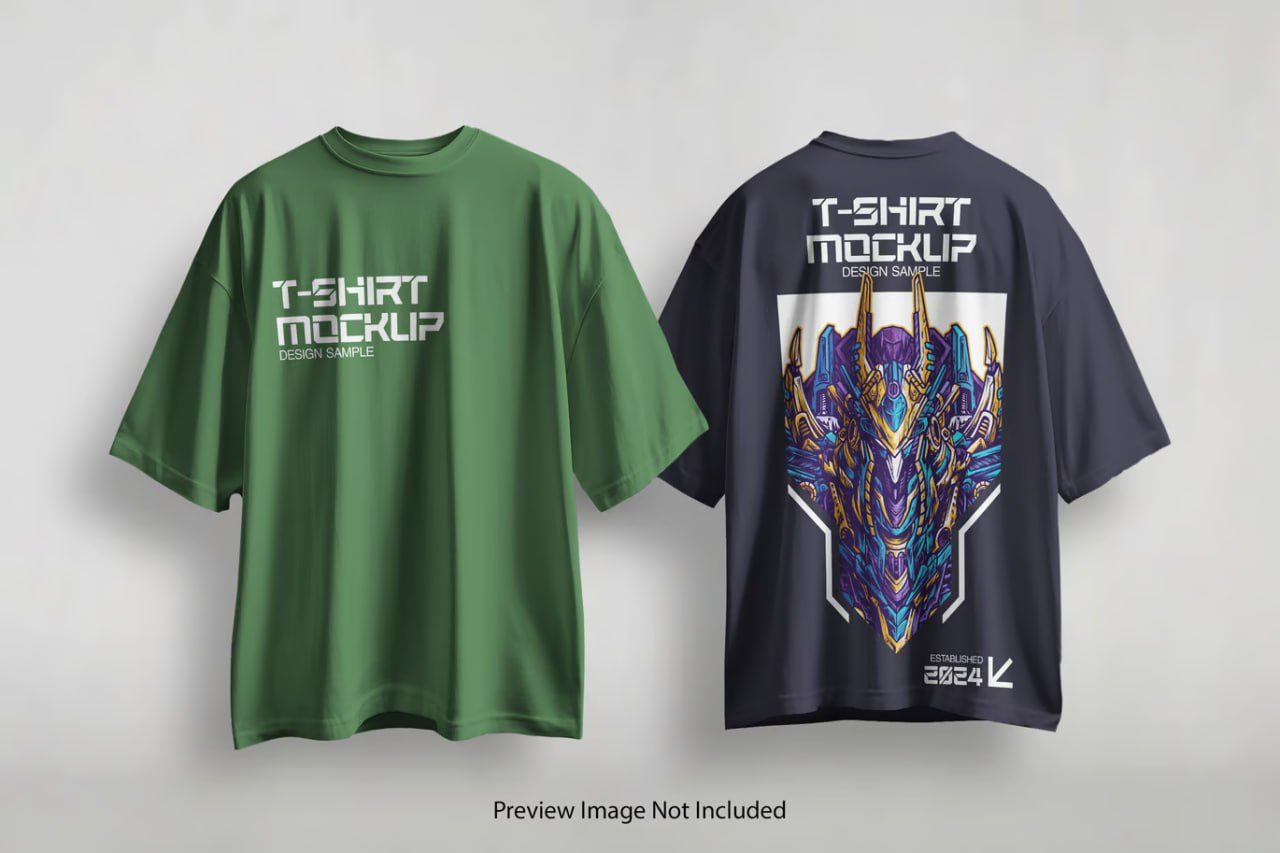
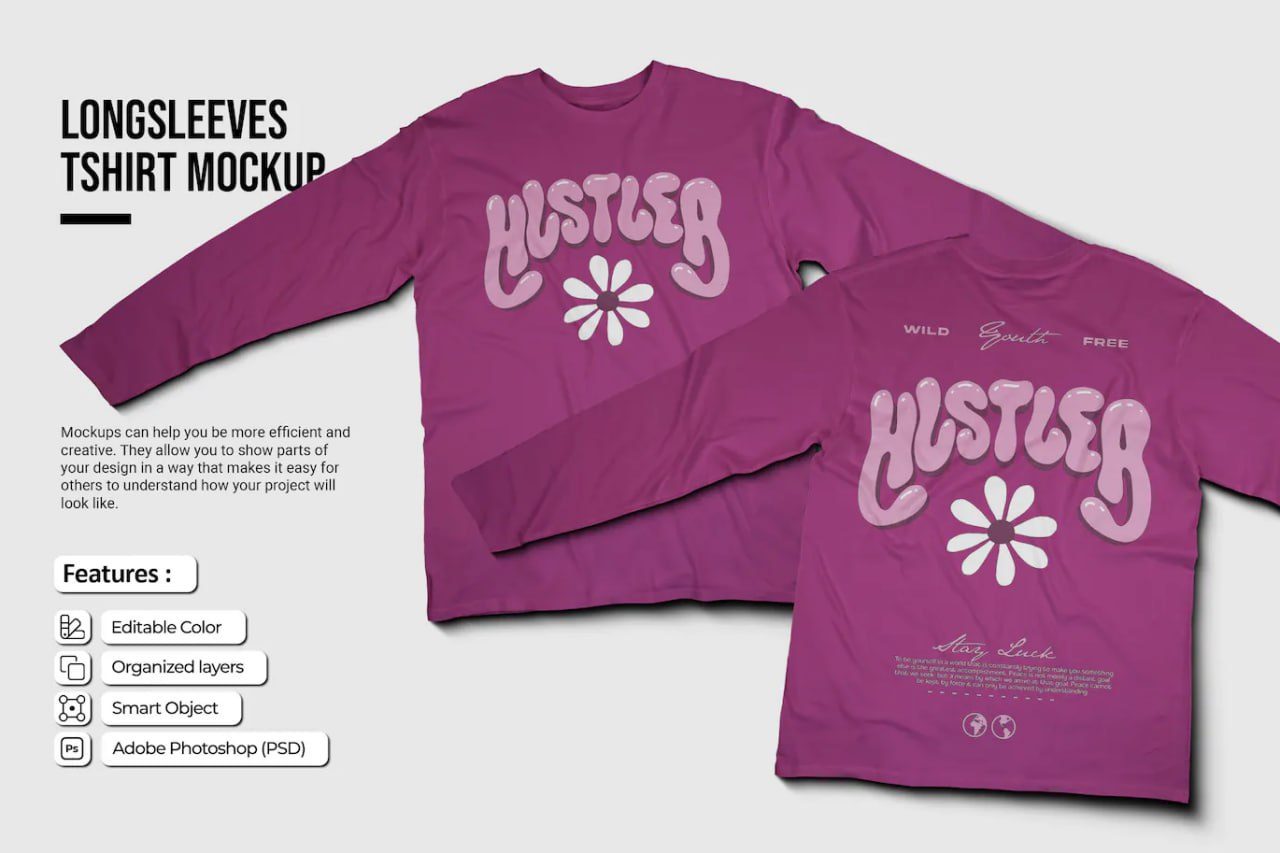
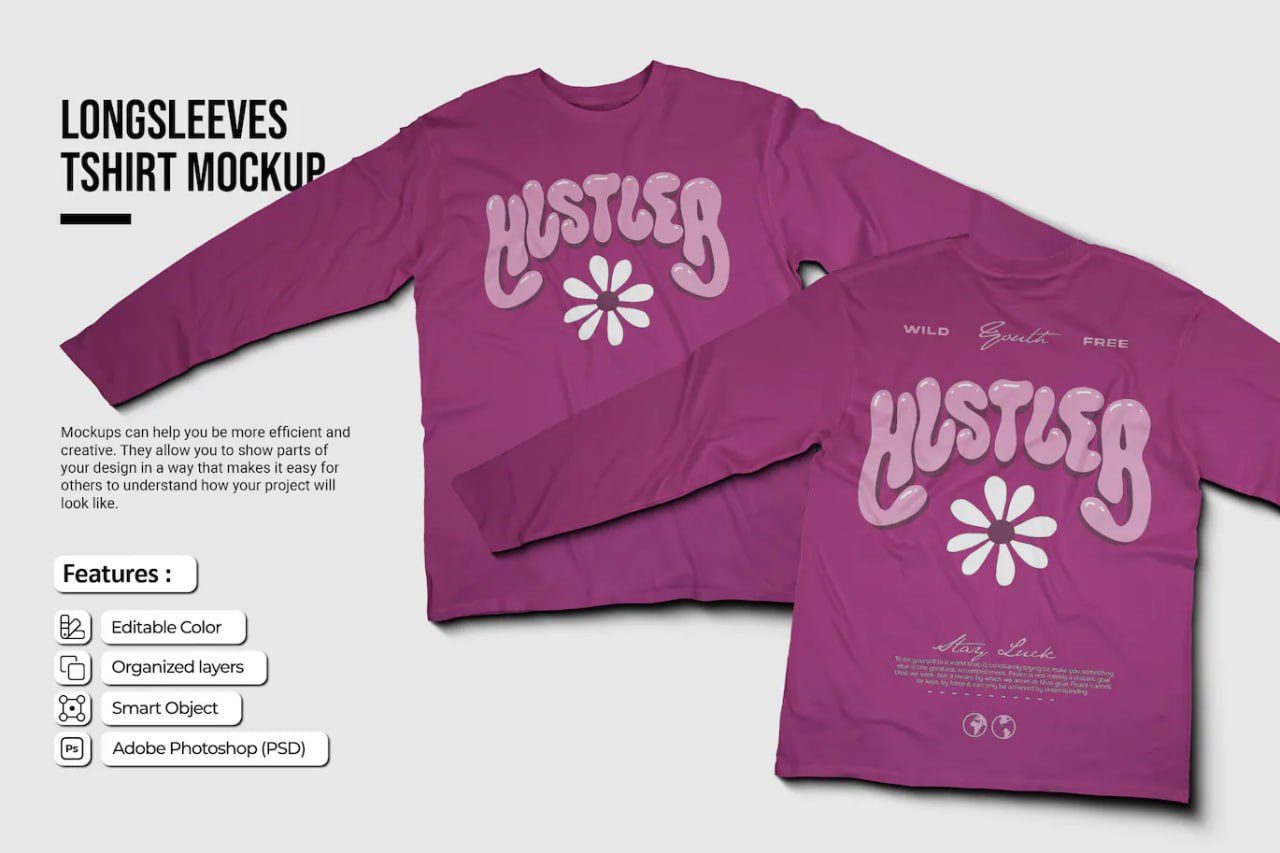
PINK-LONGSLEEVES-TSHIRT-MOCKUP is a high-quality Adobe Photoshop PSD mockup designed to showcase long-sleeve apparel designs in a stylish and professional format. Featuring both front and back views, this mockup provides an excellent presentation for fashion brands, clothing collections, custom merchandise, print-on-demand products, and promotional apparel. With realistic fabric textures, natural folds, detailed stitching, and high-resolution rendering, it allows designers to accurately visualize how artwork, logos, typography, and graphics will appear on a finished garment. The fully editable Smart Object layers make customization quick and effortless, helping create polished product previews for portfolios, client presentations, e-commerce stores, and marketing materials.
How to Use This Mockup
1. Open the PSD file in Adobe Photoshop.
2. Locate the Smart Object layers within the Layers panel.
3. Double-click the Smart Object thumbnail.
4. Insert your design, logo, illustration, or typography.
5. Adjust the size and placement of the artwork as needed.
6. Save the Smart Object document (Ctrl+S / Cmd+S).
7. Return to the main mockup file and your design will automatically appear on the garment.
8. Export the final presentation as JPG, PNG, or PDF for online stores, branding projects, client presentations, or promotional campaigns.
Suggestions