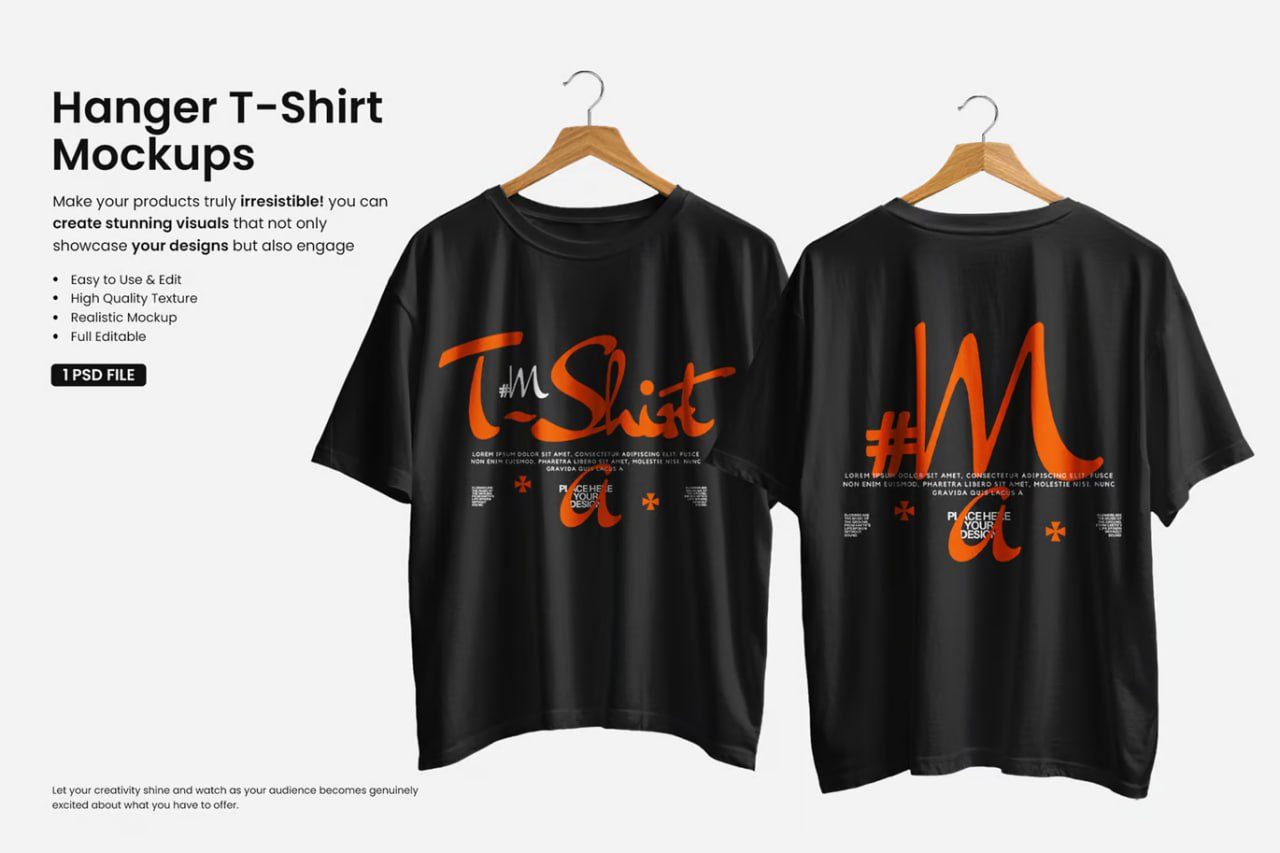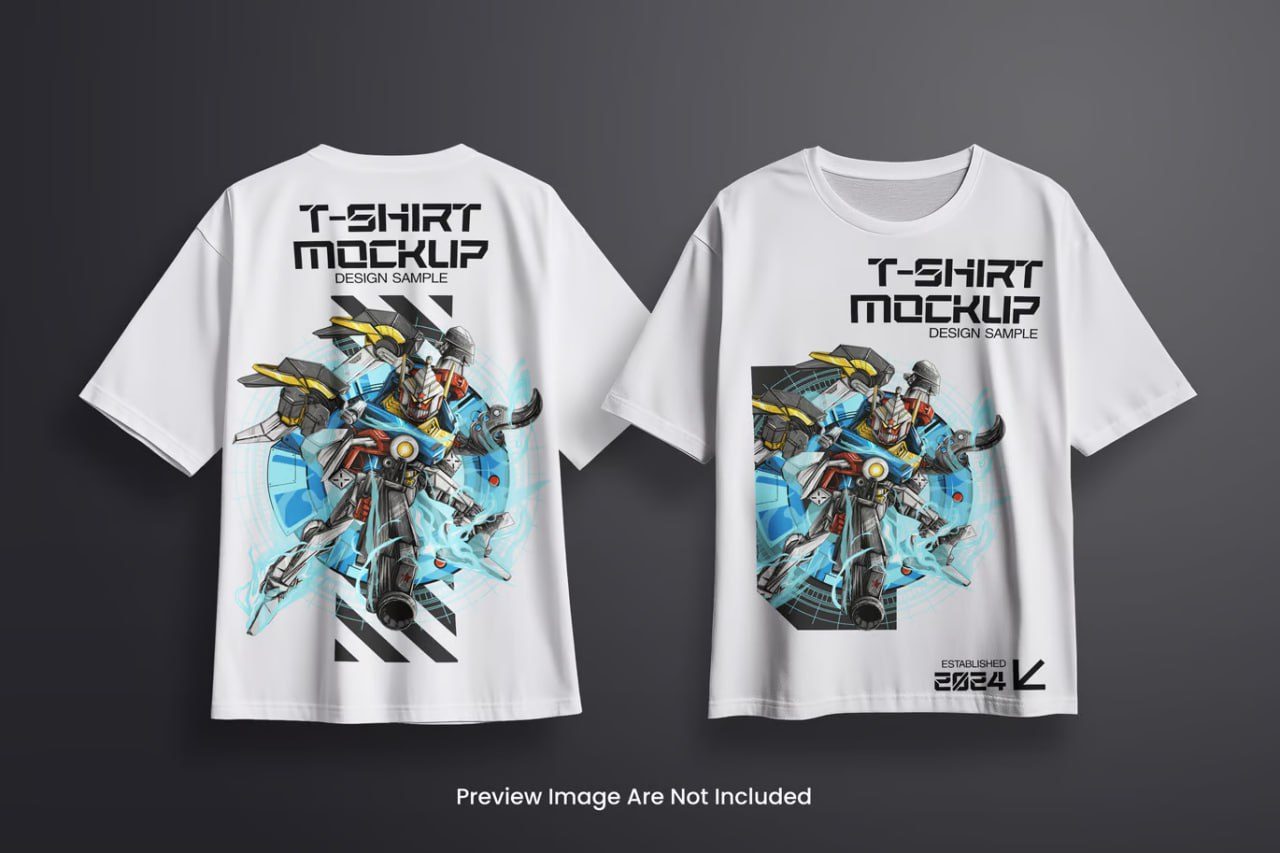
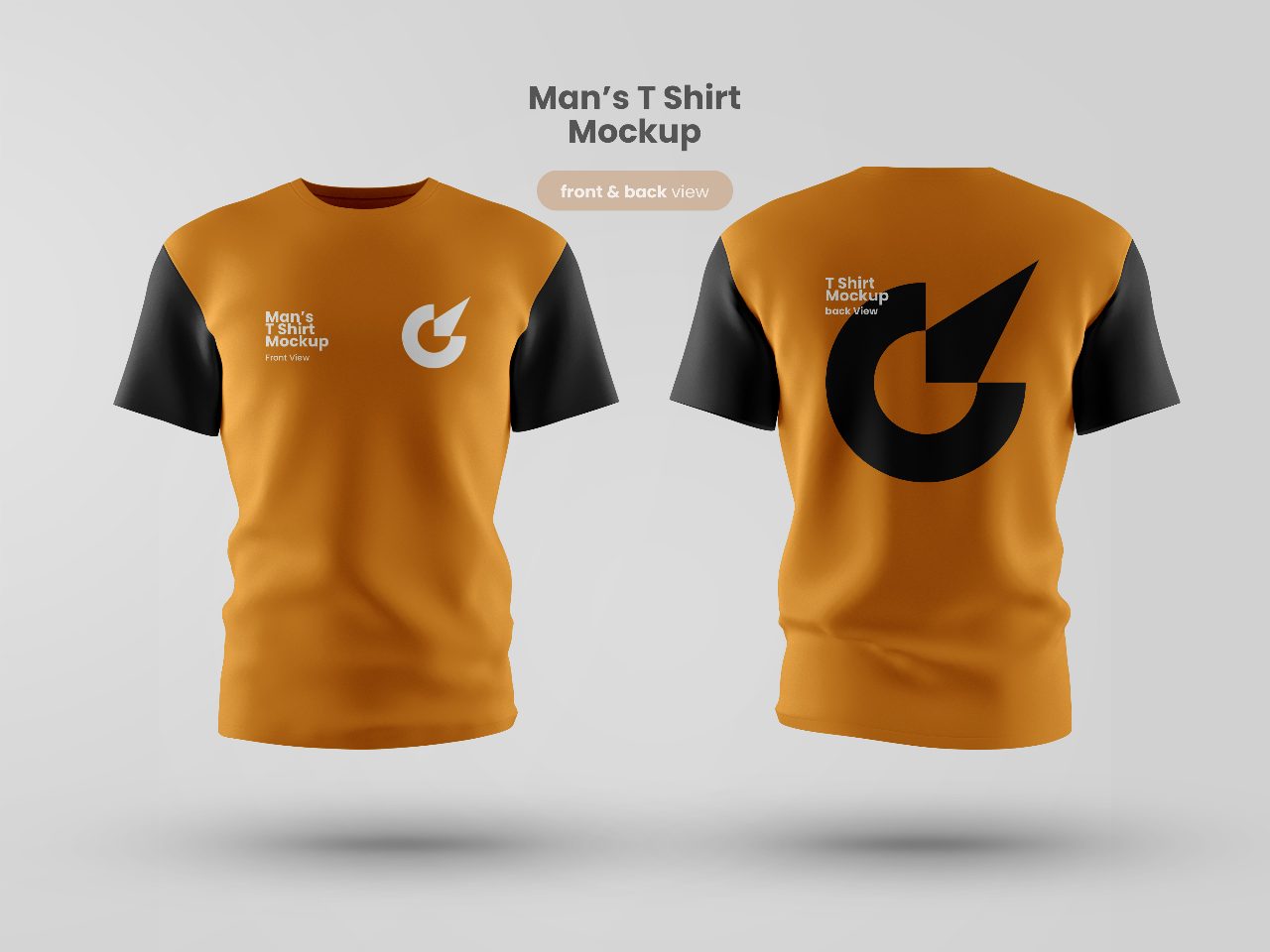
T-shirt_mockup_front_and_back_view
Description
T-SHIRT_MOCKUP_FRONT_AND_BACK_VIEW
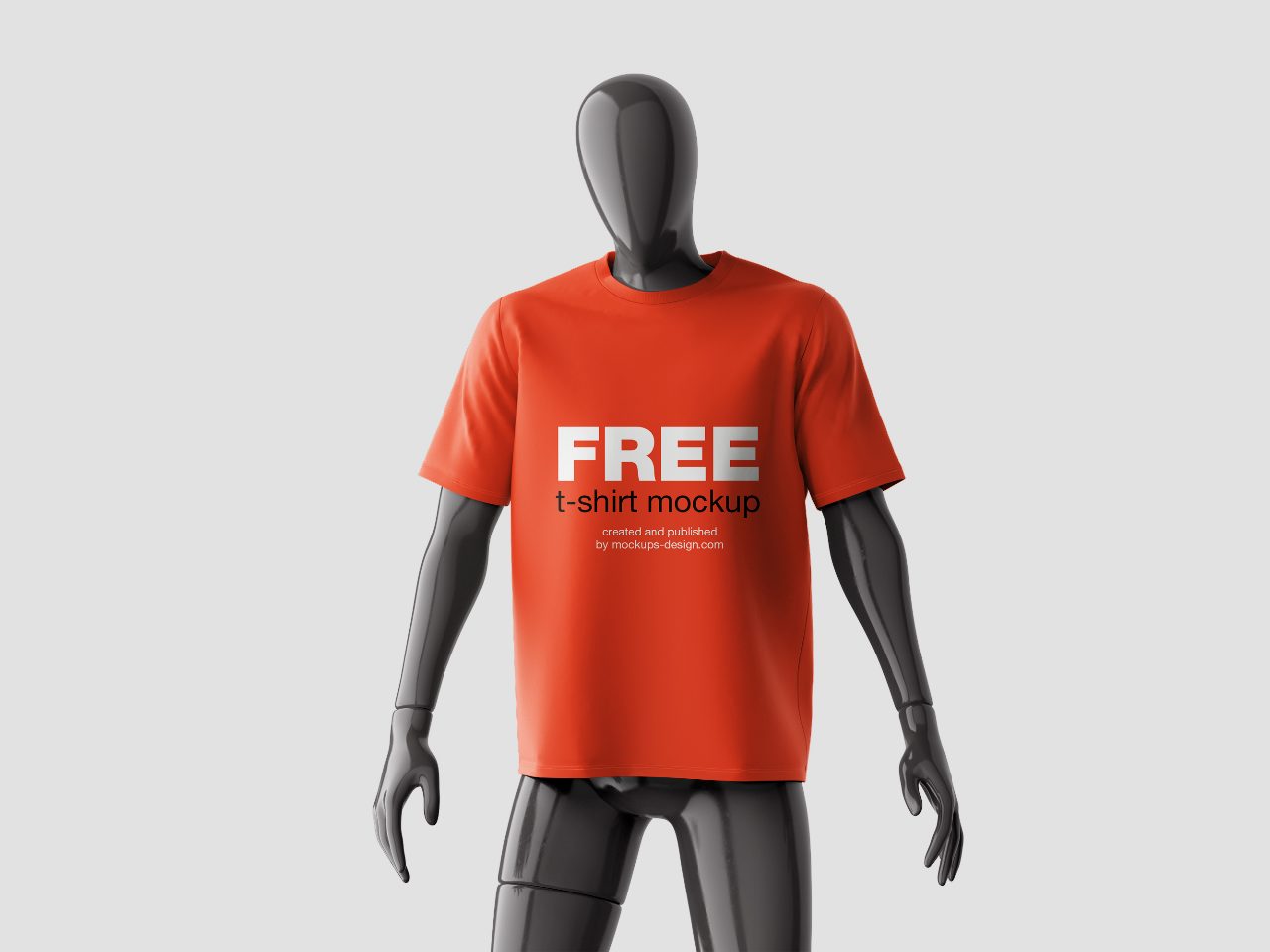
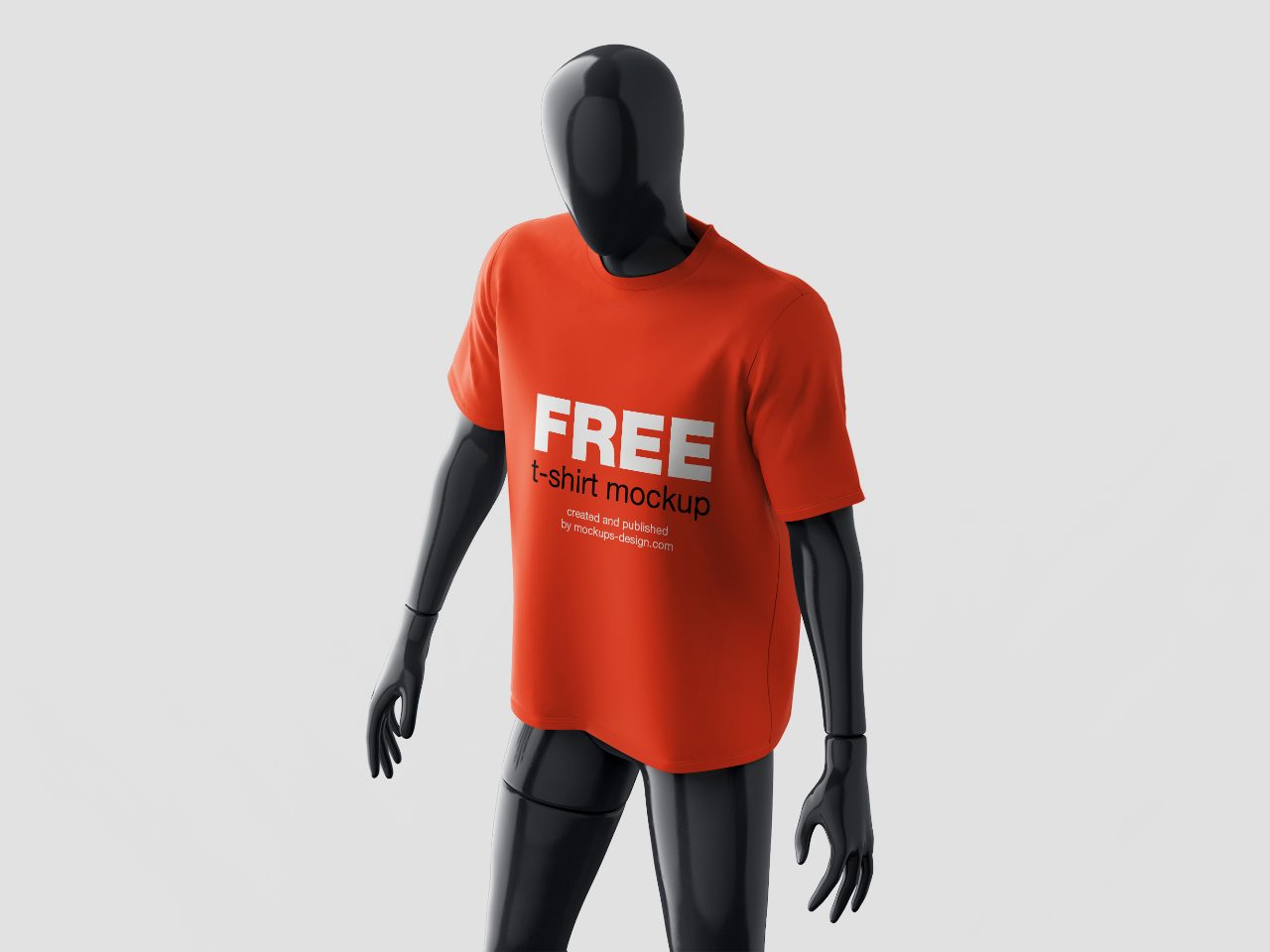
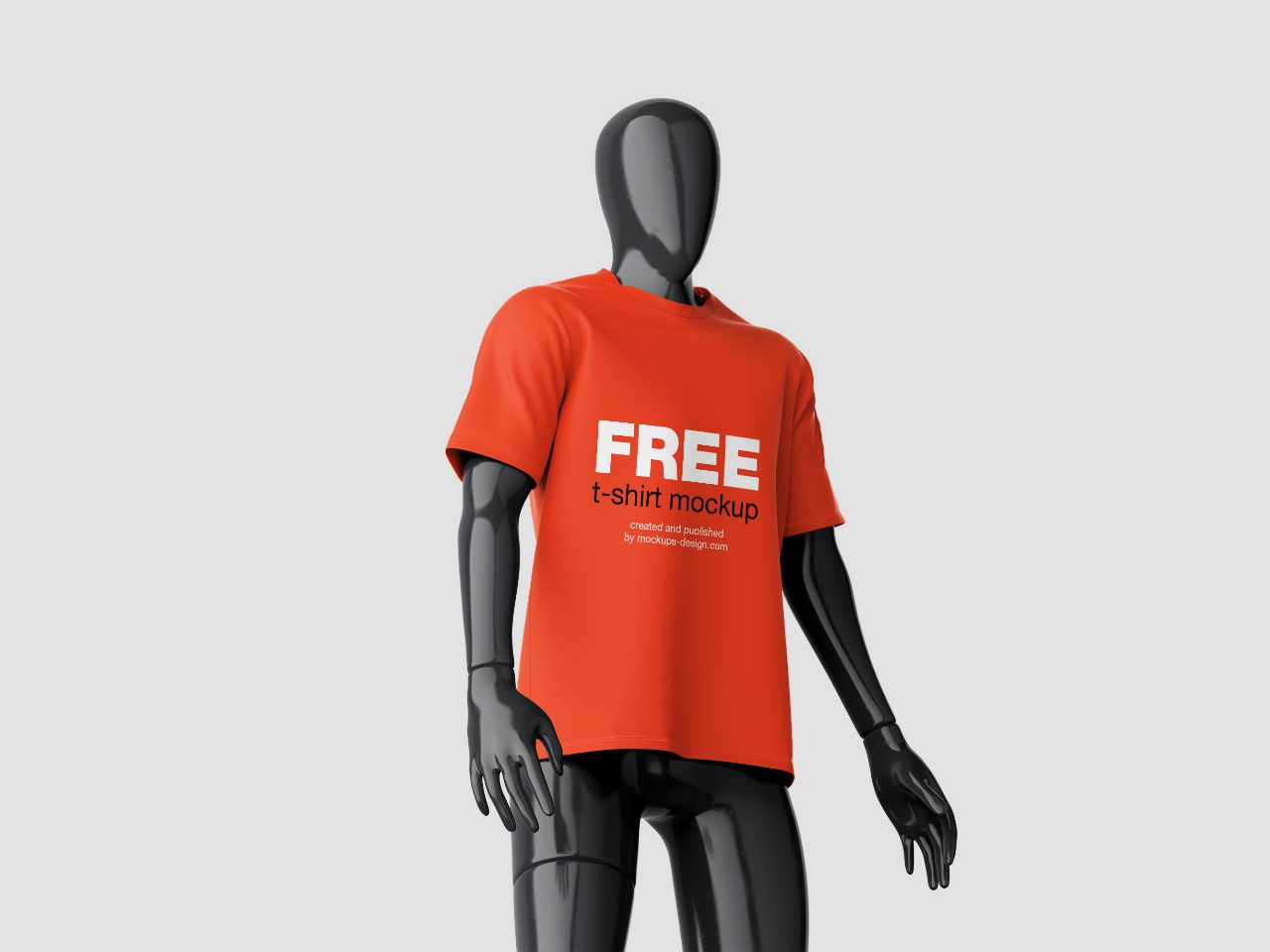
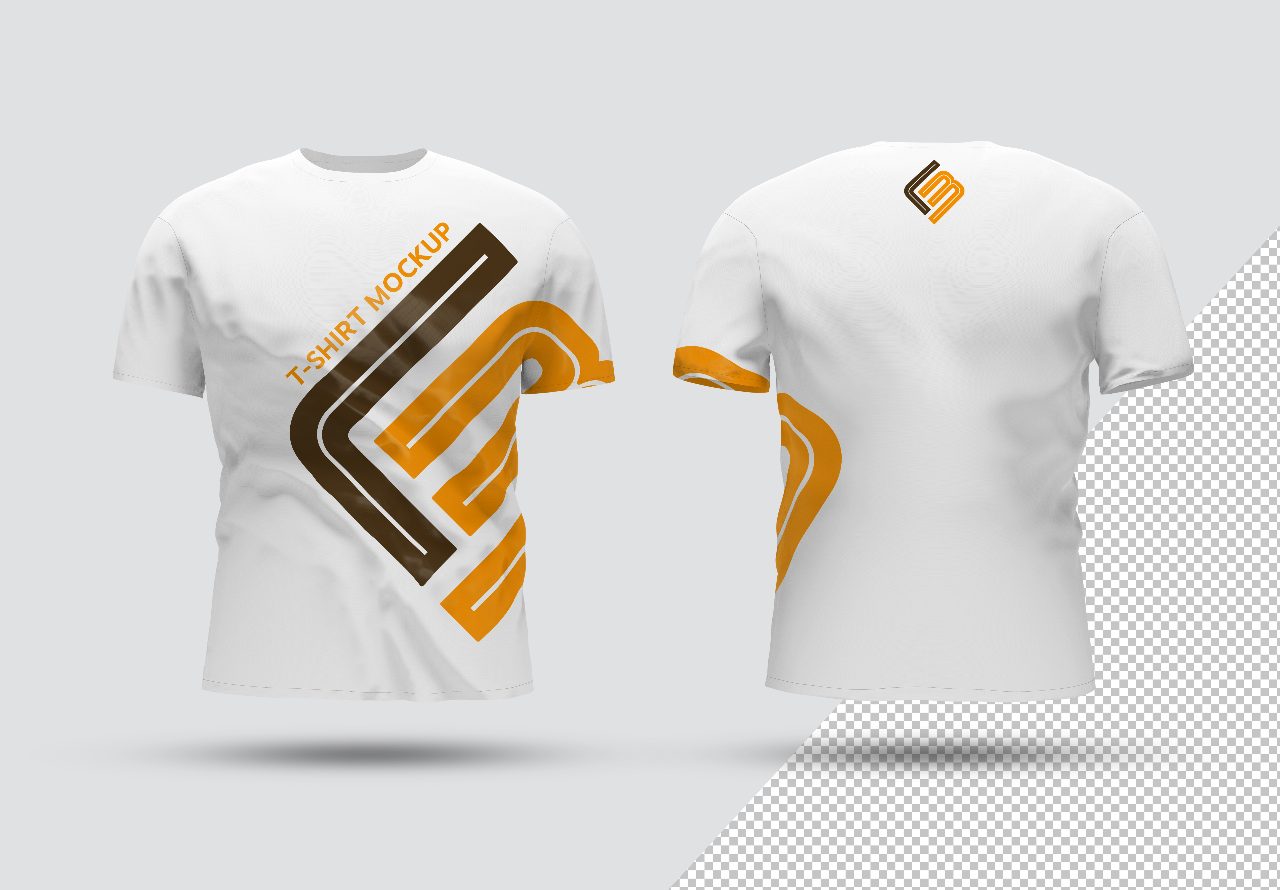
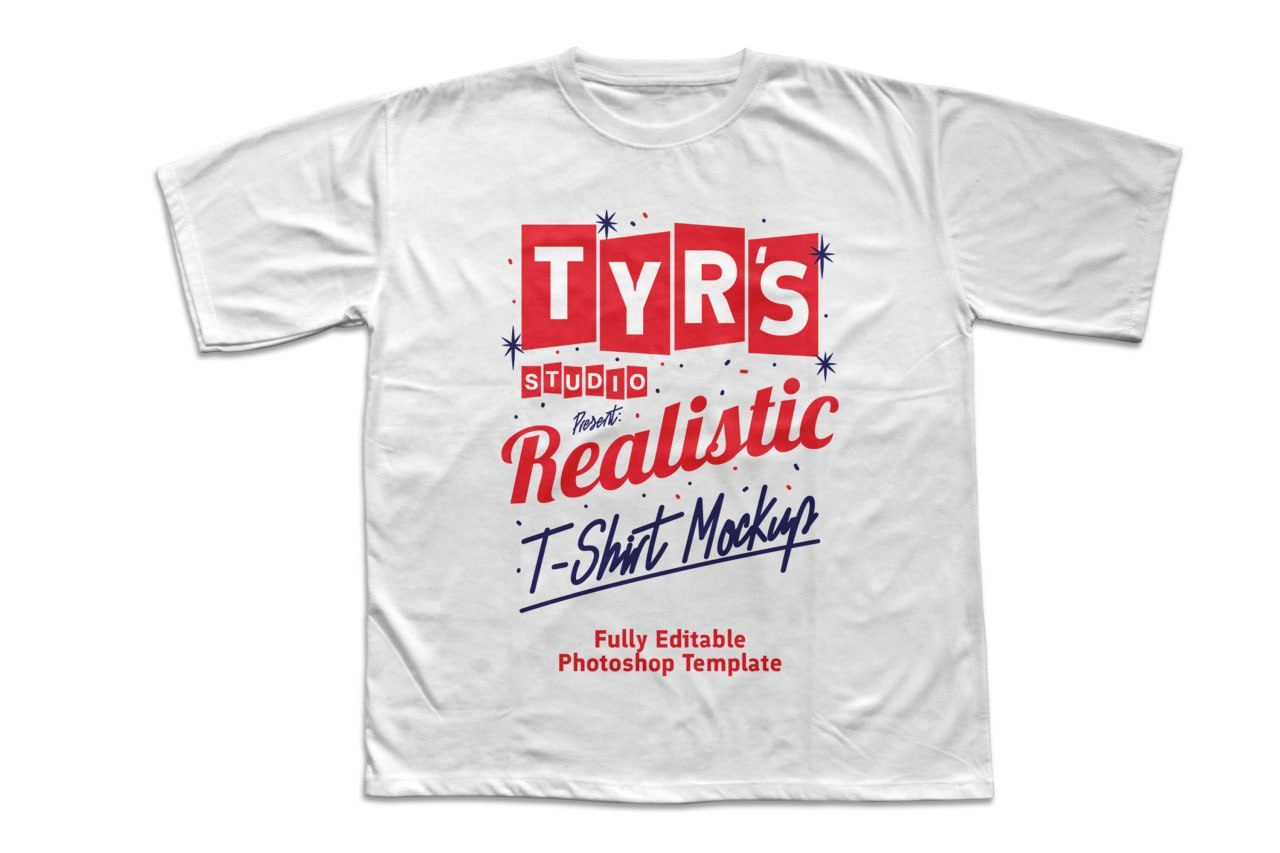
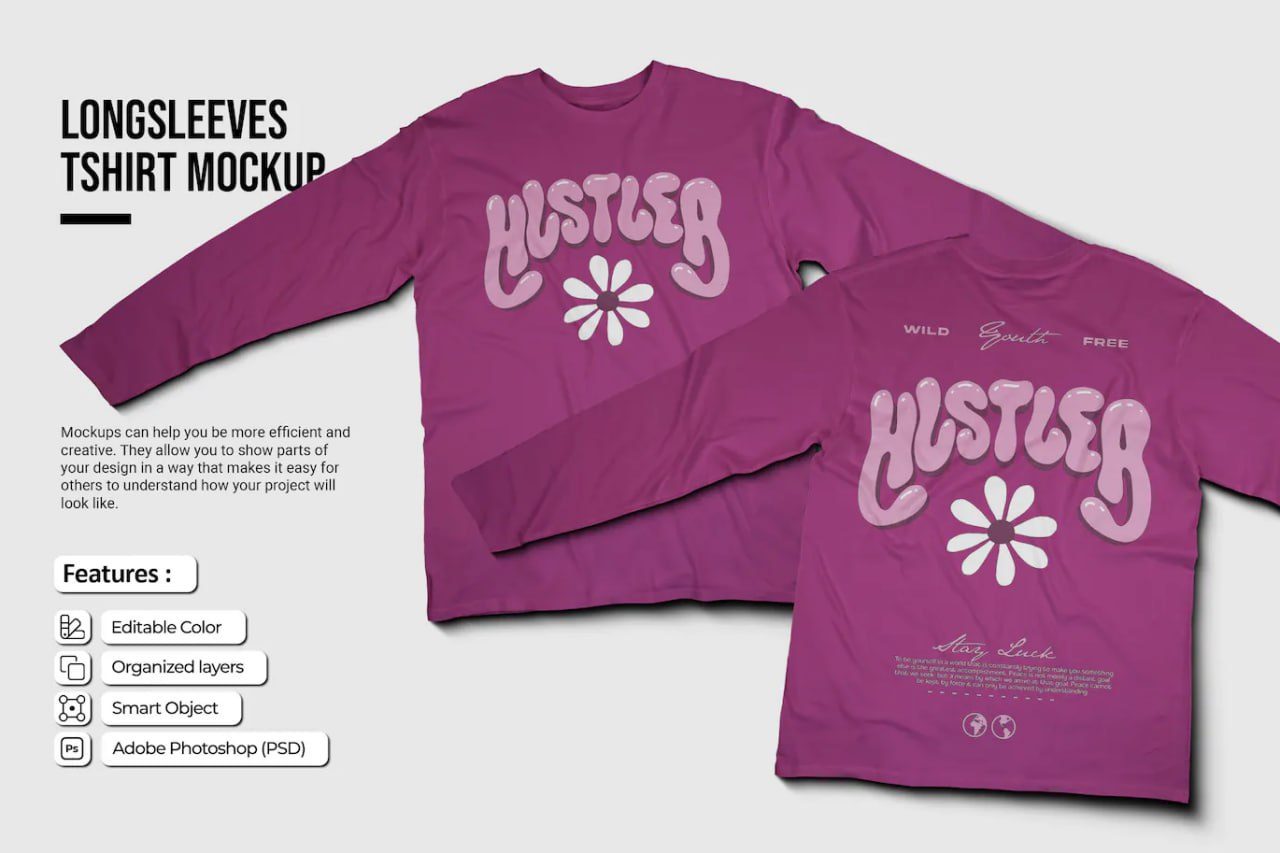
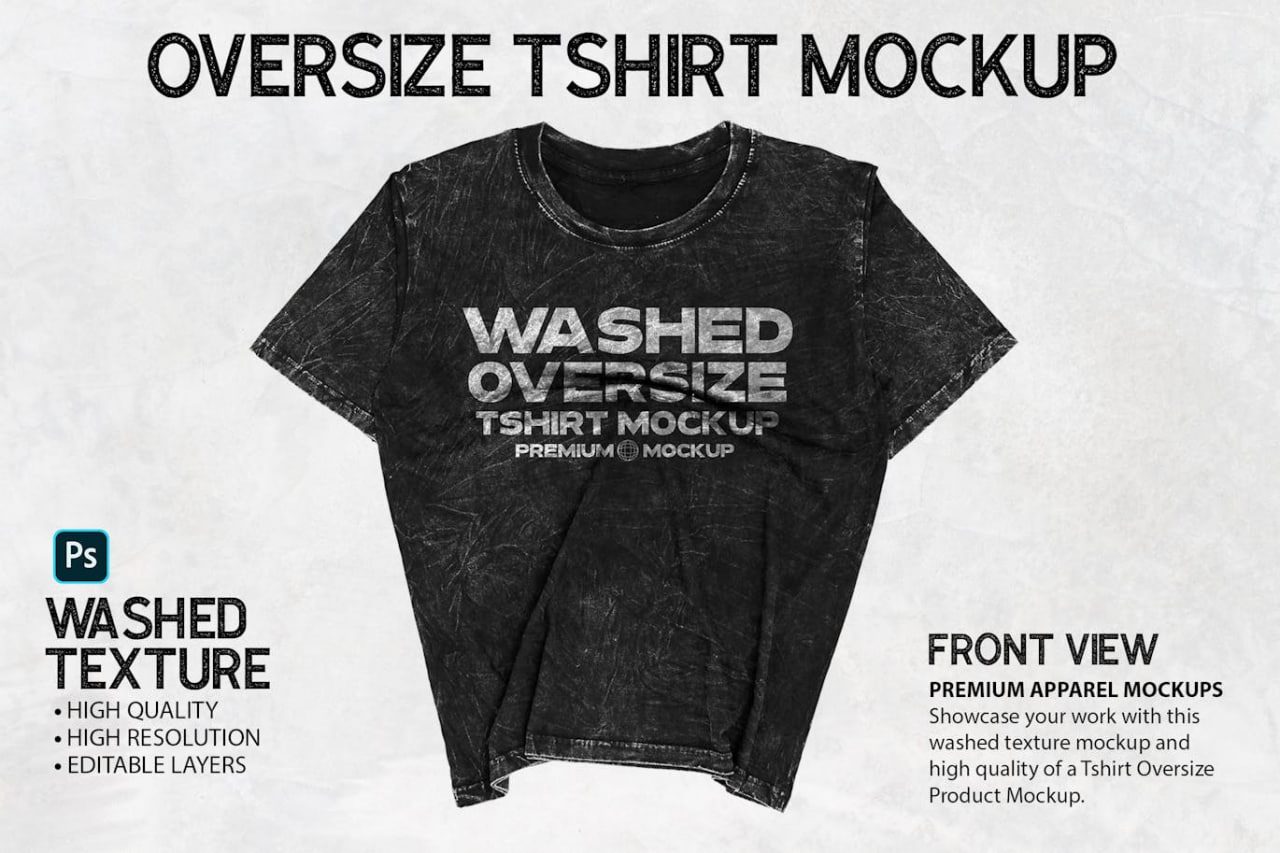
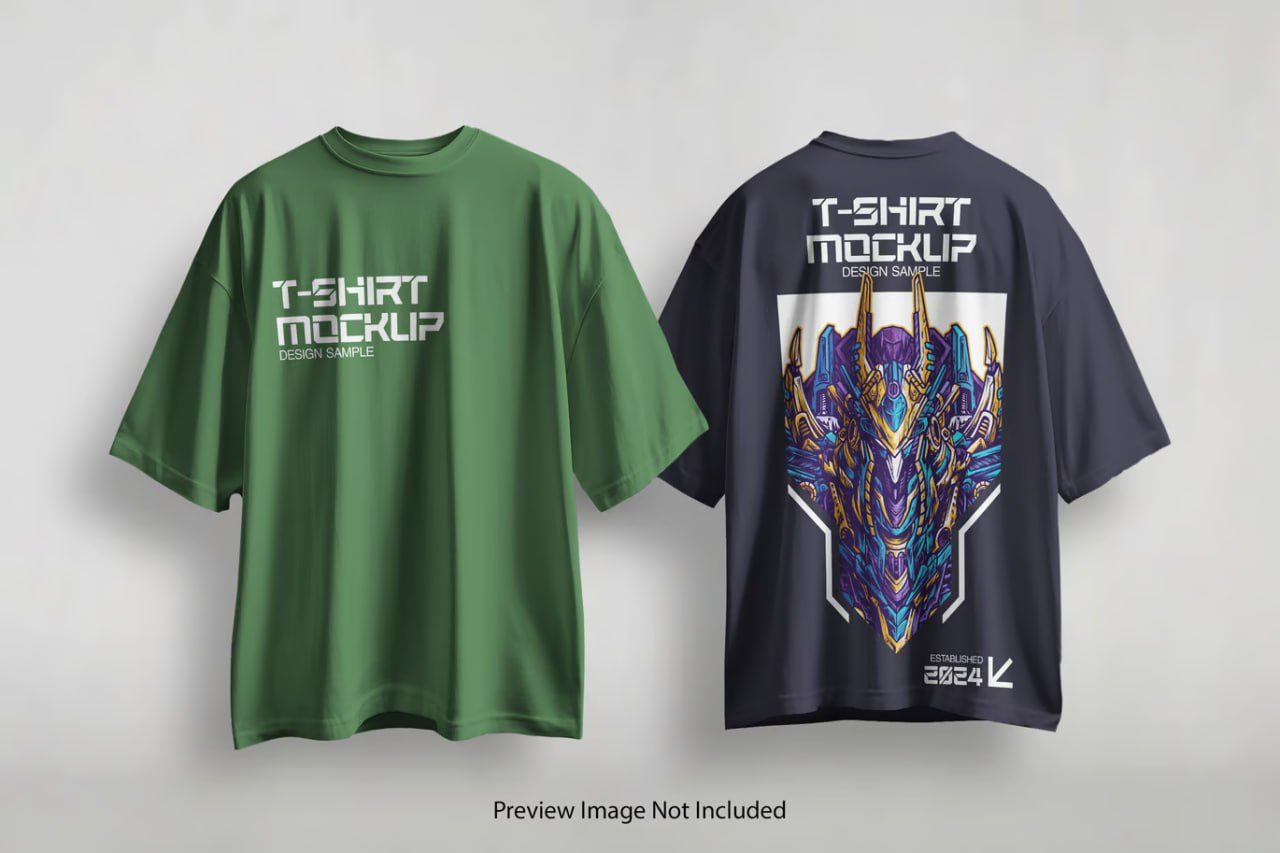
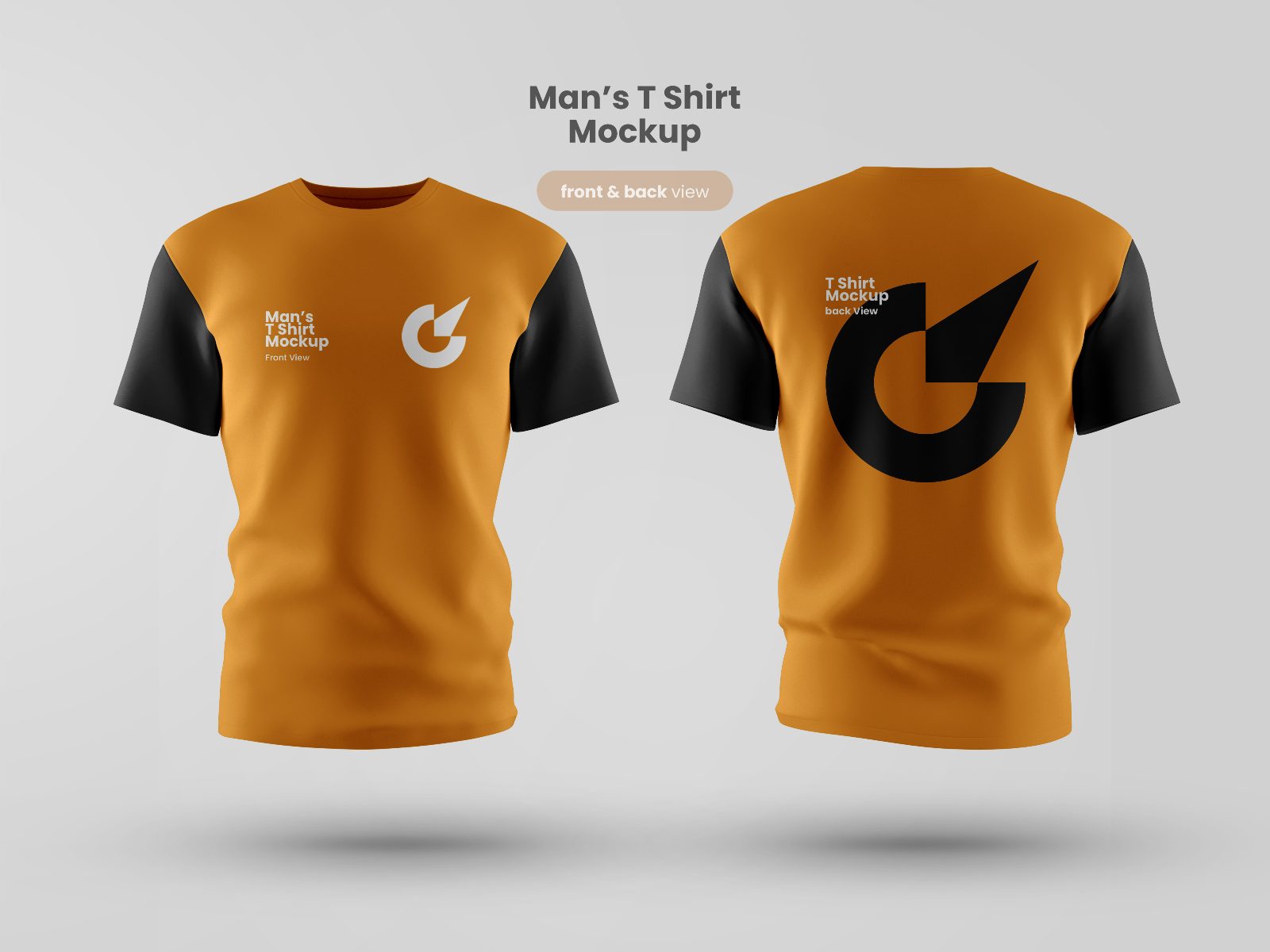
T-SHIRT_MOCKUP_FRONT_AND_BACK_VIEW is a professional Adobe Photoshop PSD mockup designed to showcase complete apparel branding with both front and back garment views. Featuring a realistic floating t-shirt presentation, high-resolution fabric textures, natural folds, soft shadows, and clean studio lighting, this mockup is ideal for displaying logos, graphics, typography, sportswear designs, corporate uniforms, merchandise collections, and fashion branding projects. The dual-view layout allows designers and brands to present a comprehensive visualization of their apparel concepts while maintaining a polished and professional appearance. Built with Smart Object functionality, this mockup offers a fast and efficient way to create realistic product presentations for e-commerce stores, client presentations, portfolios, and marketing campaigns.
How to Use This Mockup
1. Open the PSD file in Adobe Photoshop.
2. Locate the Smart Object layers for the front and back t-shirt designs.
3. Double-click the Smart Object thumbnail corresponding to the area you want to edit.
4. Place your logo, artwork, typography, or apparel design into the Smart Object document.
5. Adjust the size, alignment, and positioning as needed.
6. Save the Smart Object document (Ctrl+S / Cmd+S).
7. Return to the main mockup file and your design will automatically appear on the garment with all realistic effects applied.
8. Export the final presentation as JPG, PNG, or PDF for client presentations, online stores, portfolios, branding showcases, or promotional materials.
Suggestions