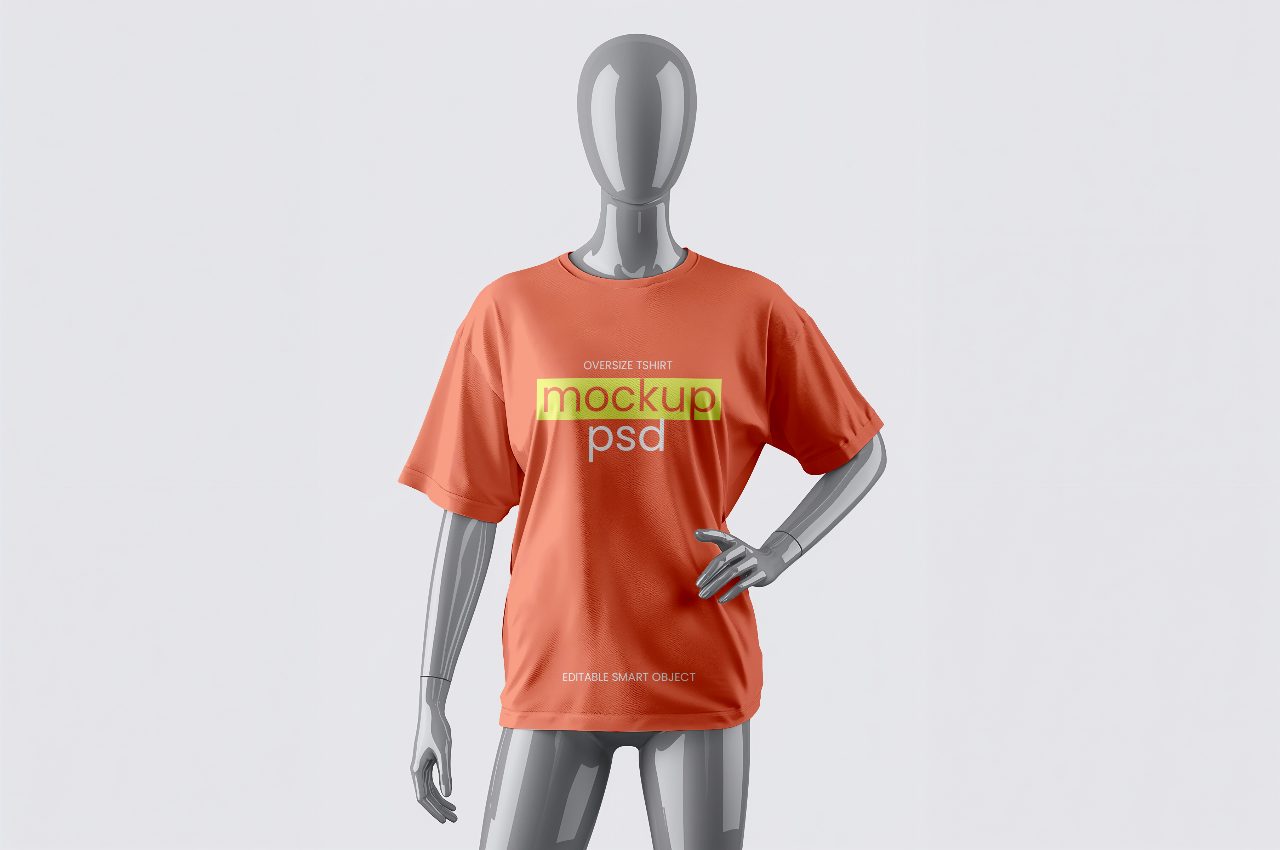
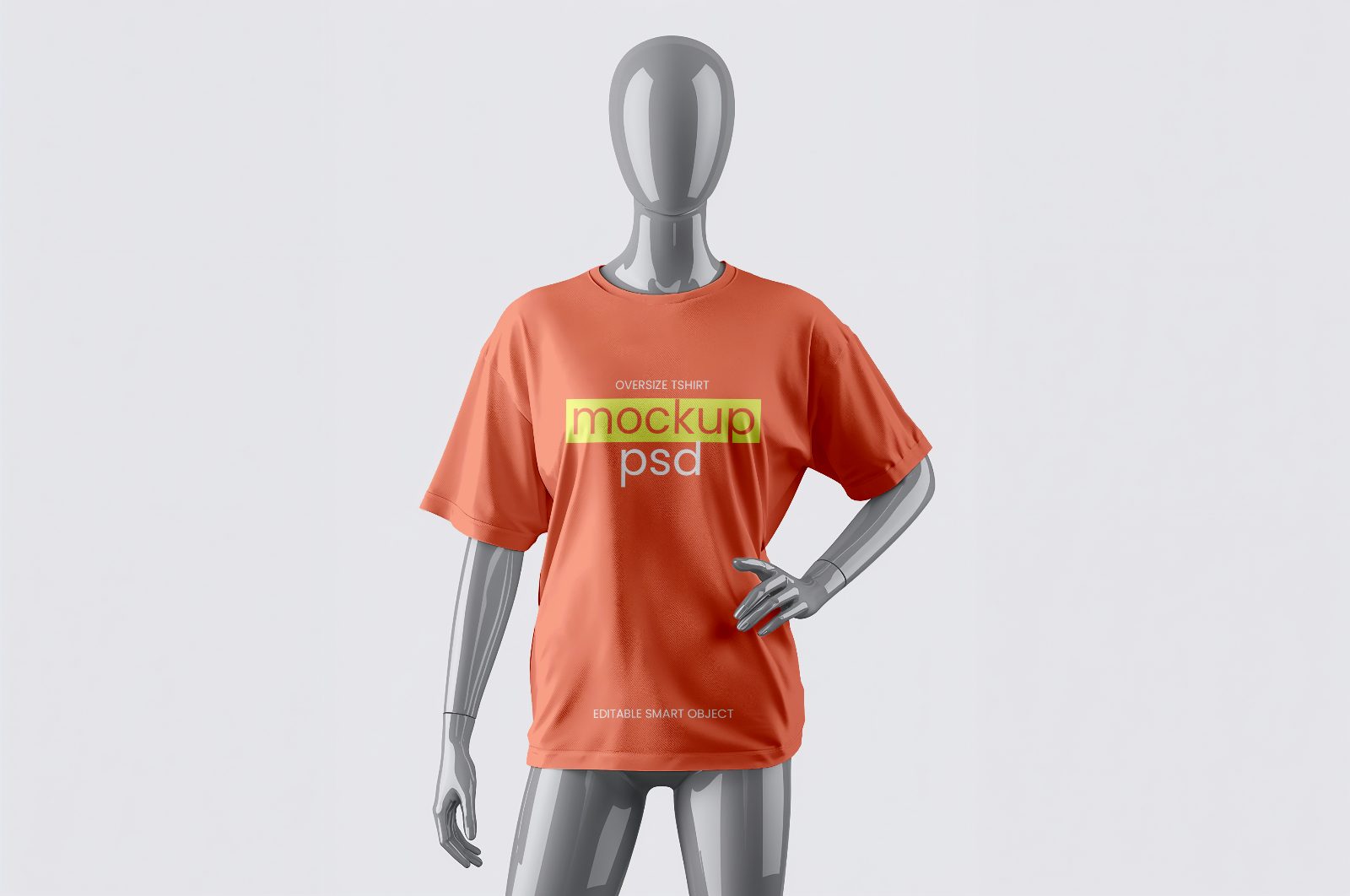
T-shirt-mockup-female-mannequin-fashion
Description
T-shirt-mockup-female-mannequin-fashion
T-shirt-mockup-female-mannequin-fashion is a premium Adobe Photoshop PSD mockup designed to showcase t-shirt designs on a realistic mannequin display. Featuring a modern retail-style presentation, realistic fabric textures, natural folds, high-quality lighting, and detailed garment rendering, this mockup helps designers present apparel graphics, logos, typography, and branding concepts in a professional and visually engaging way. The mannequin perspective adds depth and realism, making it ideal for fashion brands, clothing collections, print-on-demand products, merchandise designs, online stores, portfolios, and client presentations. With Smart Object functionality, users can quickly replace artwork and generate photorealistic apparel previews with minimal effort.
How to Use This Mockup
1. Open the PSD file in Adobe Photoshop.
2. Locate the Smart Object layer in the Layers panel.
3. Double-click the Smart Object thumbnail.
4. Insert your logo, artwork, graphic design, or typography.
5. Adjust the size and placement of the design to fit the garment area.
6. Save the Smart Object document (Ctrl+S / Cmd+S).
7. Return to the main mockup file and your design will automatically appear on the t-shirt with realistic fabric effects applied.
8. Export the final presentation as JPG, PNG, or PDF for e-commerce listings, branding presentations, social media promotions, portfolios, or client delivery.
Suggestions
More in T-Shirt
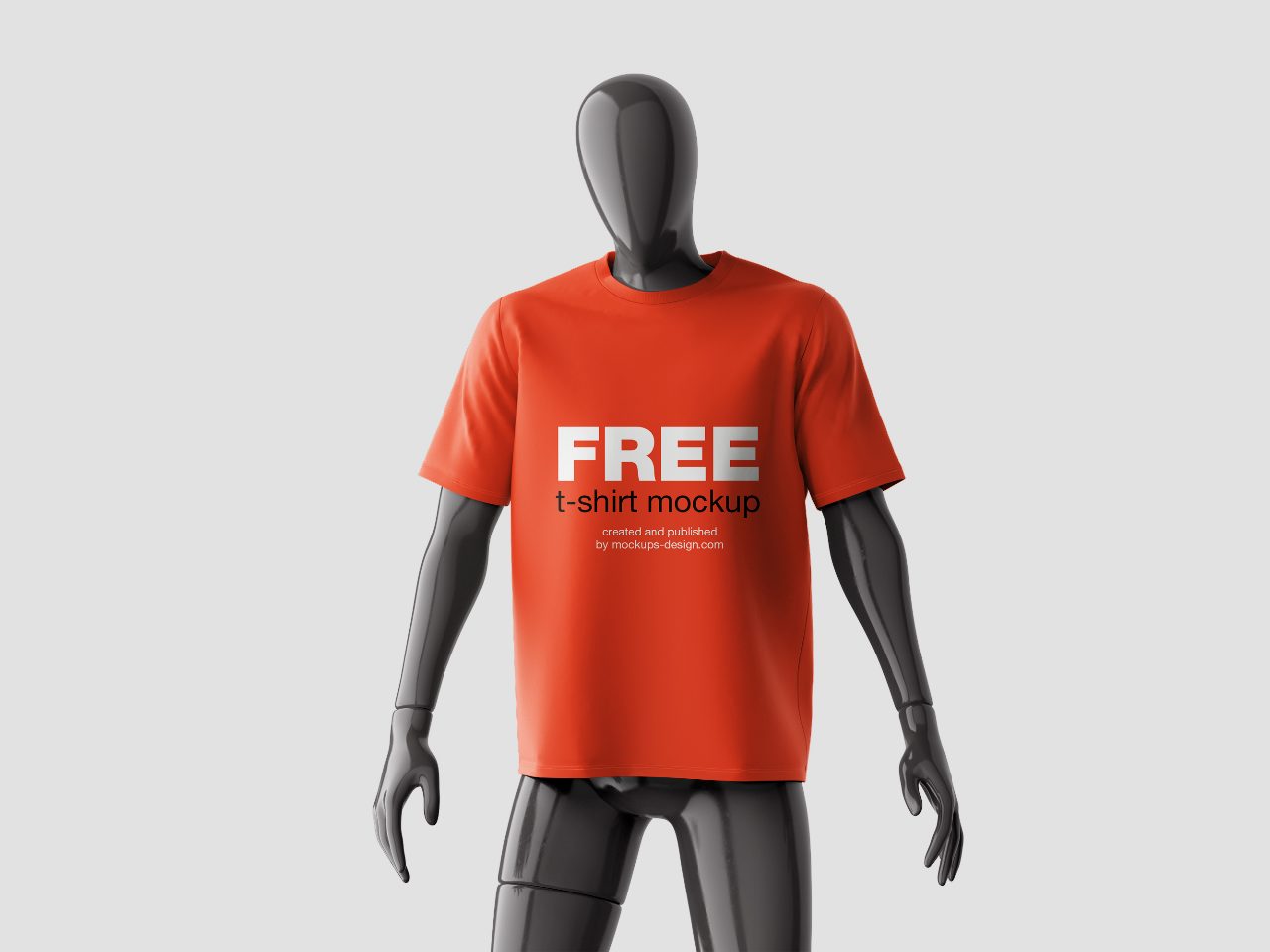
Mannequin mockup-shirt-3
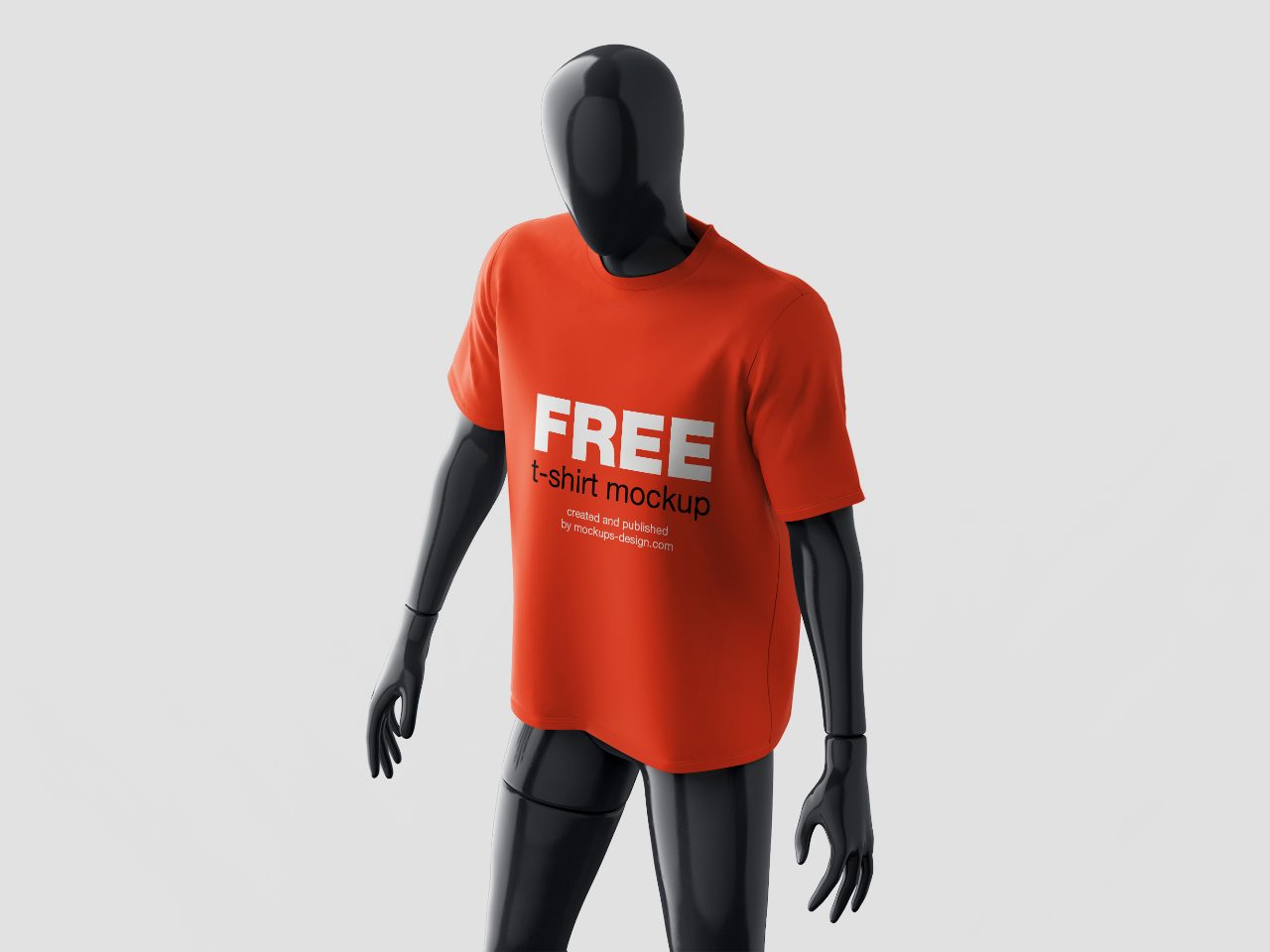
Mannequin mockup-shirt-2
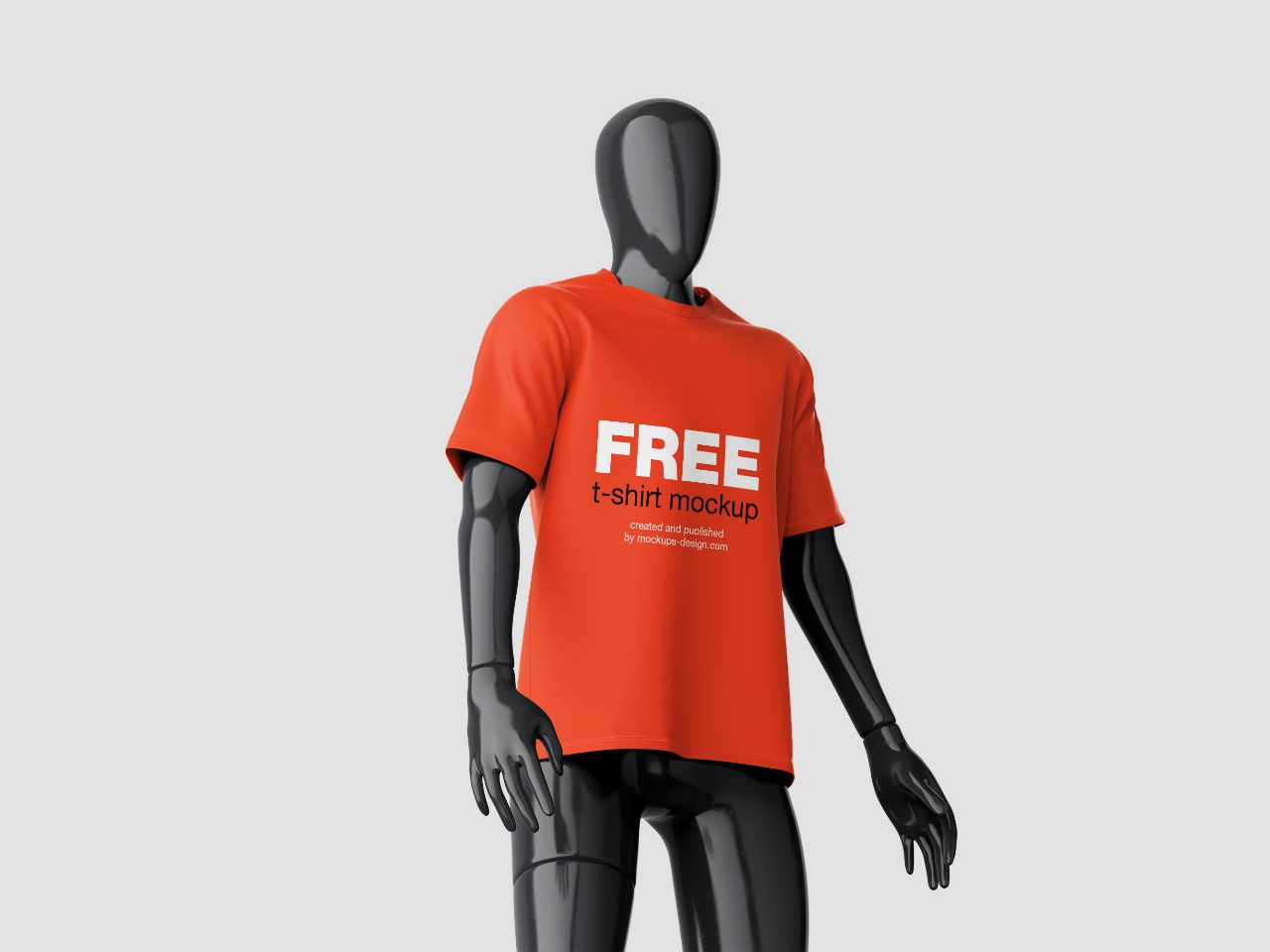
Mannequin mockup-shirt-1
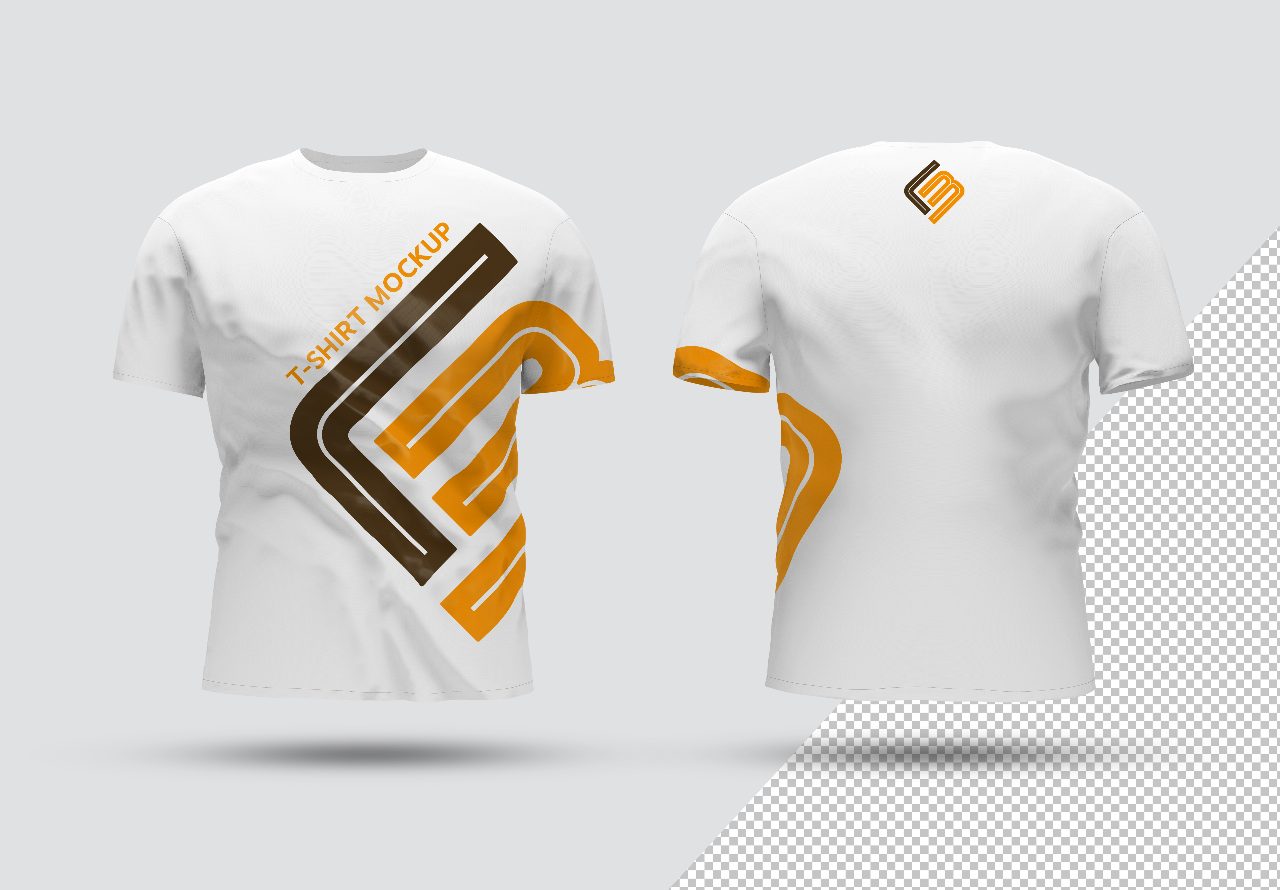
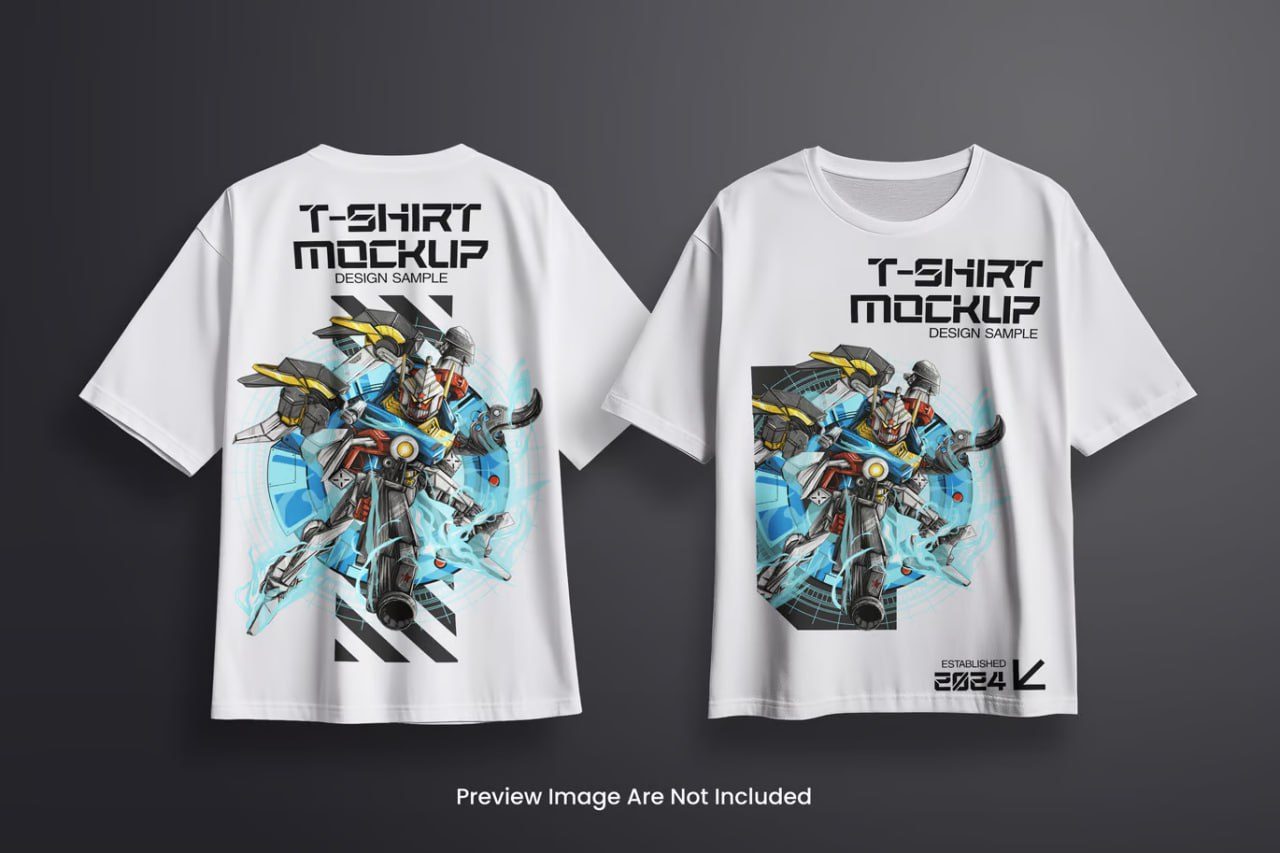
Front-back-isolated-t-shirt-mockup
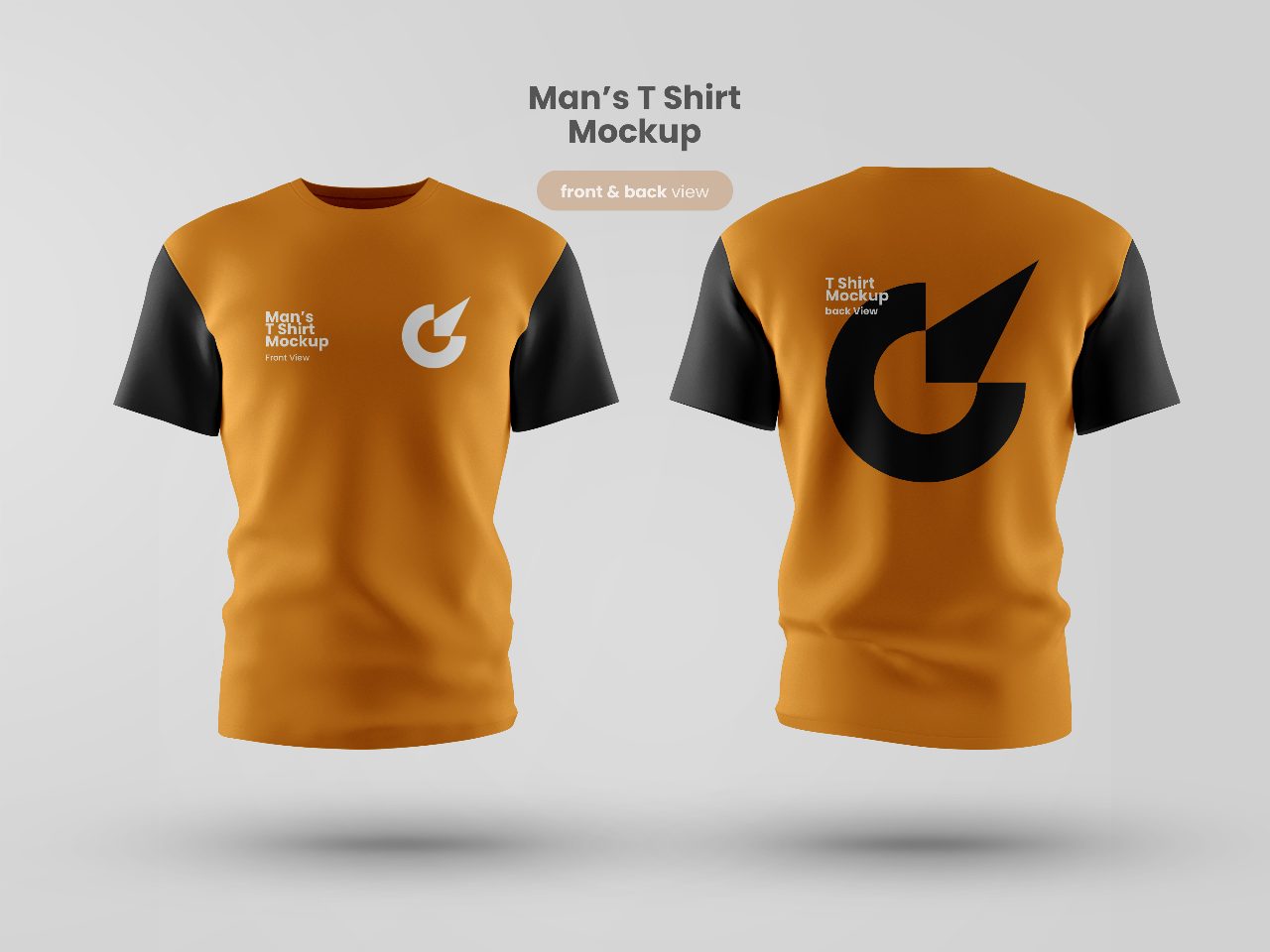
T-shirt_mockup_front_and_back_view
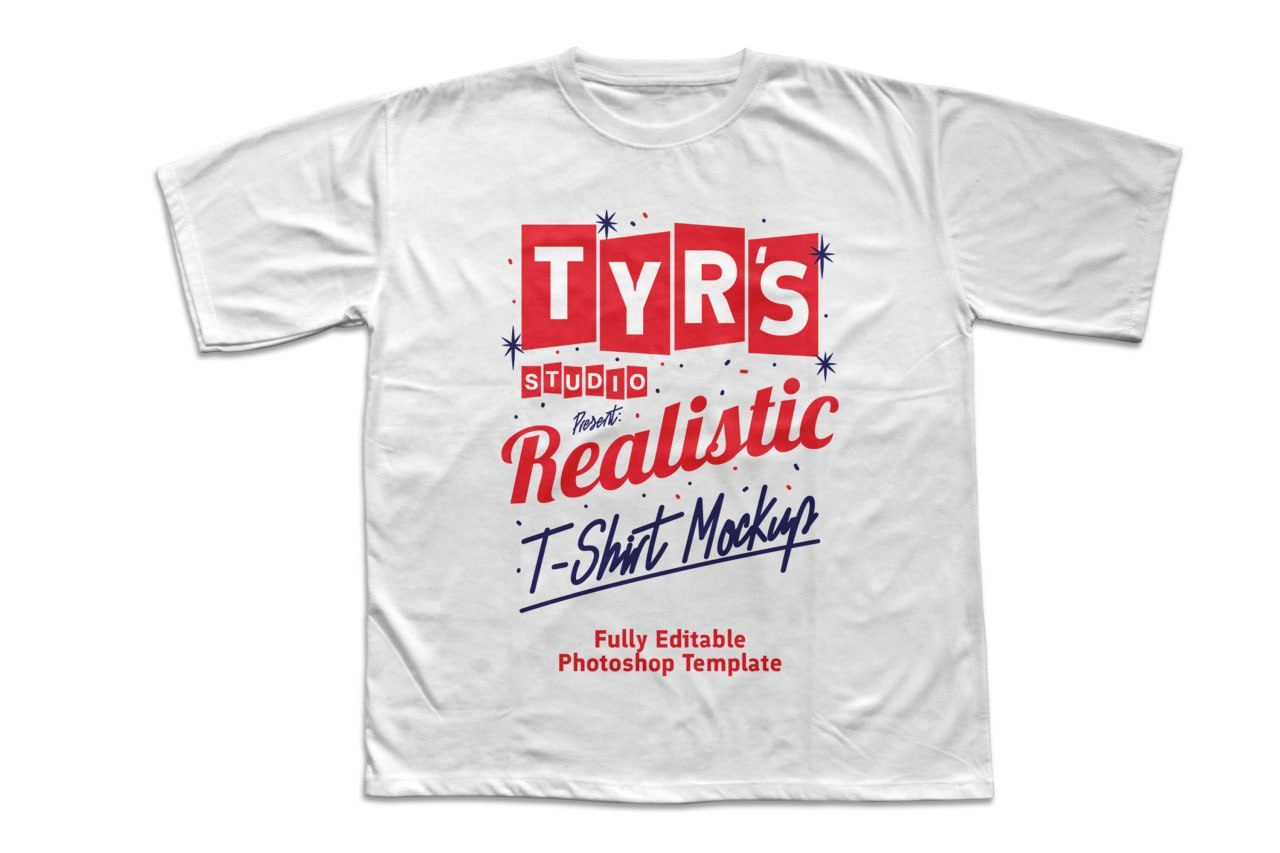
FREE Realistic TShirt Mockup
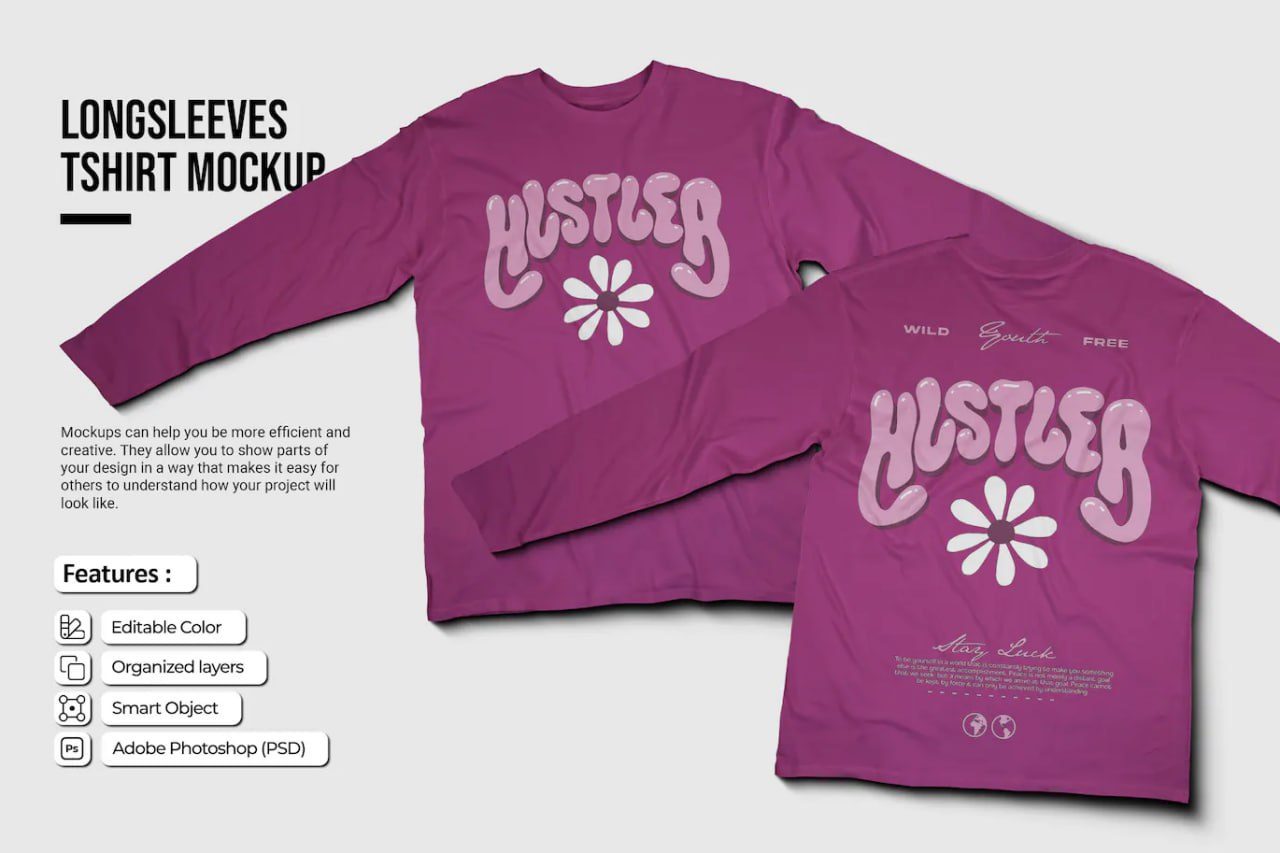
Pink longsleeves-tshirt-mockup
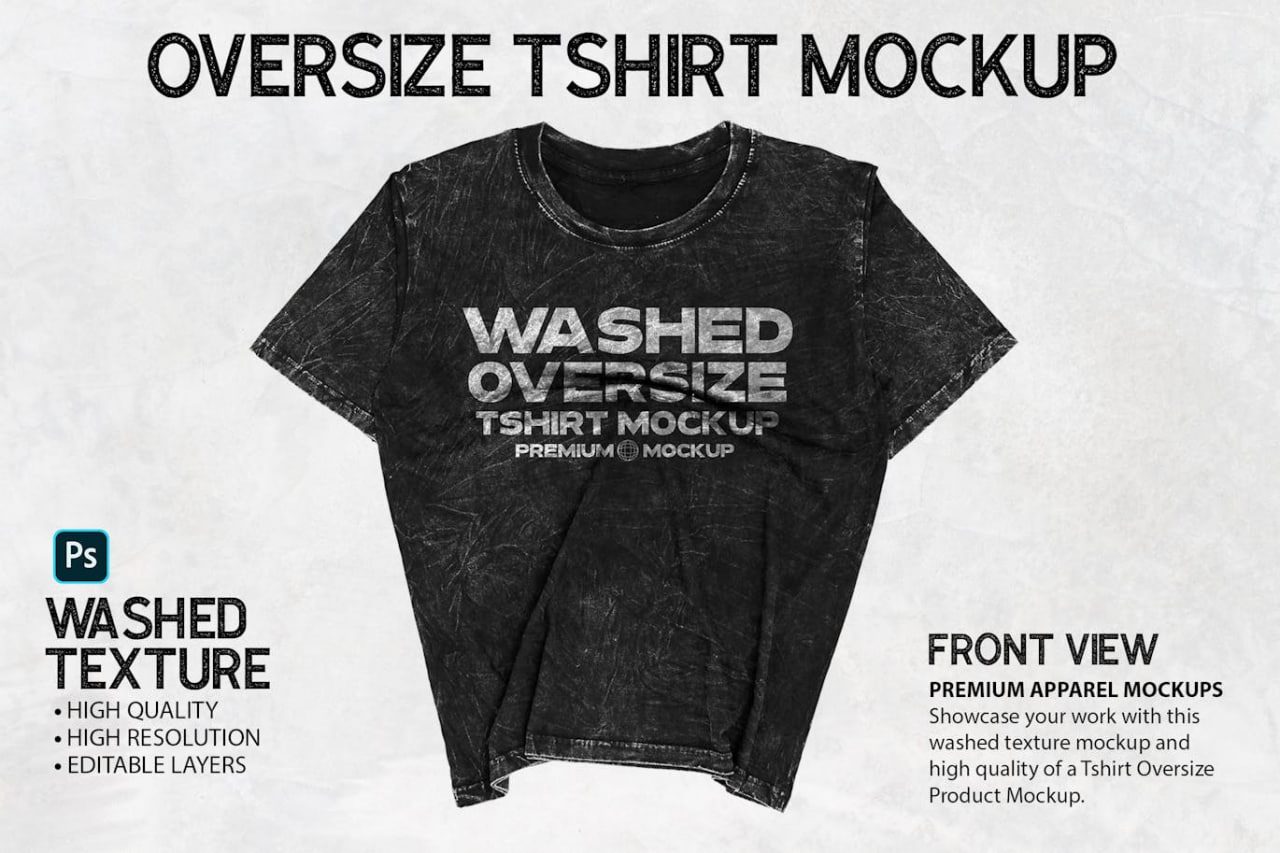
Vintage oversized-tshirt-mockup
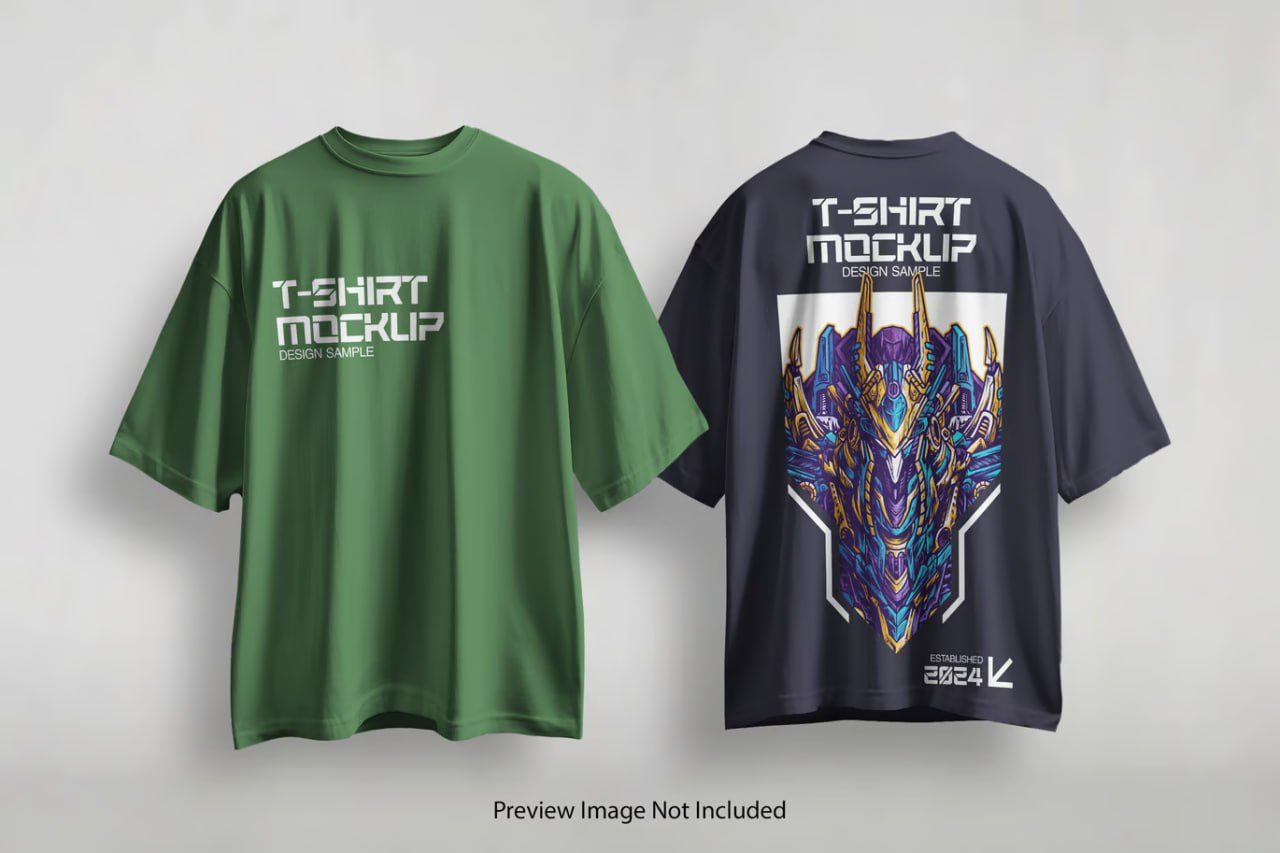
Duo oversized-t-shirt-mockup
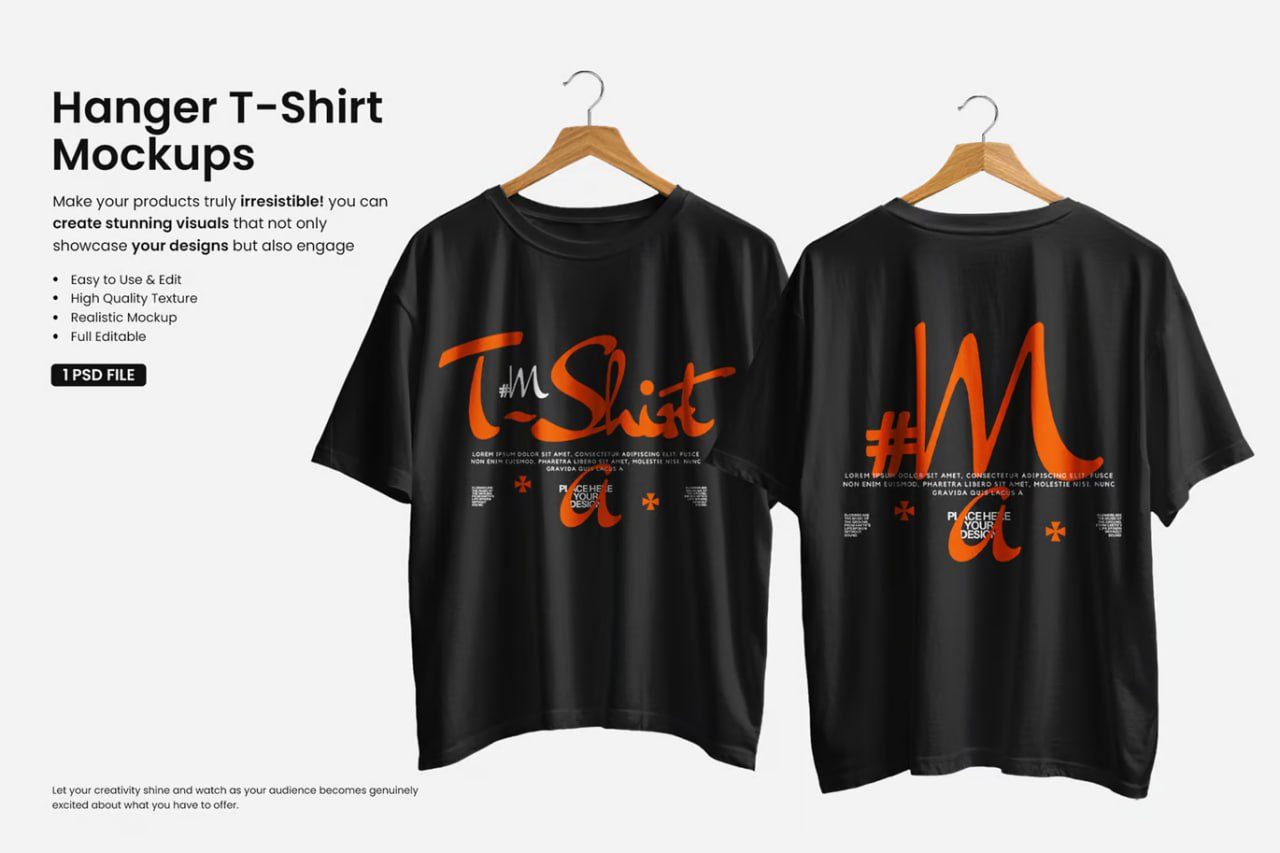
Hanger-t-shirt-mockup